1
Contents
Preface ............................................................................................................................................... 5
About SnapScan........................................................................................................................ 6
Environmental Requirements .................................................................................................. 6
Precautions................................................................................................................................ 7
Cleaning your Scanner ............................................................................................................. 7
How to Use this Online Guide ......................................................................................................... 8
How to Print this Guide .................................................................................................................... 9
Chapter 1: Preparing the Scanner................................................................................................. 10
Unpacking the Scanner .......................................................................................................... 11
Taking a Closer Look.............................................................................................................. 11
Changing the Handle .............................................................................................................. 13
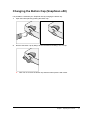
Changing the Button Cap (SnapScan e50)........................................................................... 15
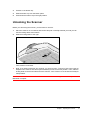
Unlocking the Scanner ........................................................................................................... 16
Chapter 2: Installing the Scanner for PC...................................................................................... 17
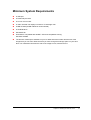
Minimum System Requirements............................................................................................ 18
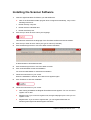
Installing the Scanner Software............................................................................................. 19
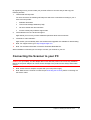
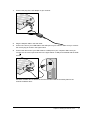
Connecting the Scanner to your PC...................................................................................... 20
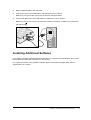
Installing Additional Software................................................................................................ 22
Chapter 3: Configuring Buttons on your PC (SnapScan e50) .................................................... 23
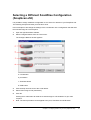
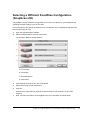
Selecting a Different ScanWise Configuration (SnapScan e50)......................................... 24
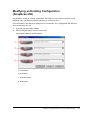
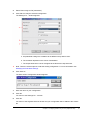
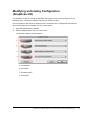
Modifying an Existing Configuration (SnapScan e50) ........................................................ 25
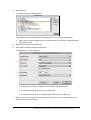
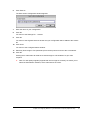
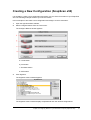
Creating a New Configuration (SnapScan e50).................................................................... 28
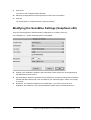
Modifying the ScanWise Settings (SnapScan e50).............................................................. 31
Contents
3