1
4
Serial Bus Decoding & Triggering, Search & Navigation, and Segmented Acquisition Labs
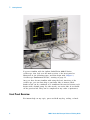
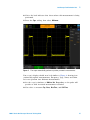
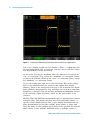
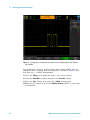
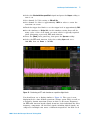
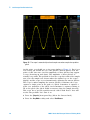
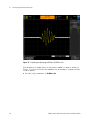
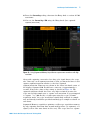
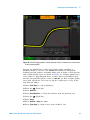
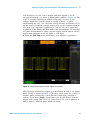
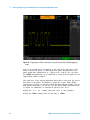
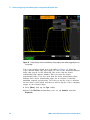
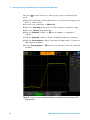
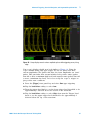
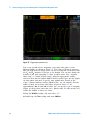
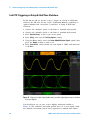
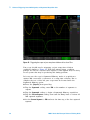
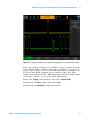
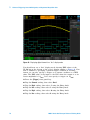
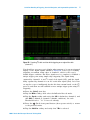
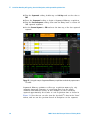
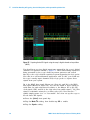
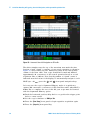
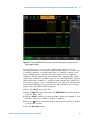
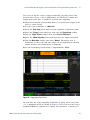
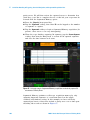
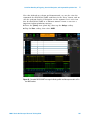
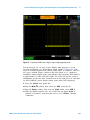
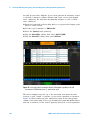
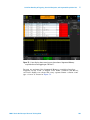
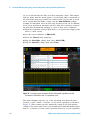
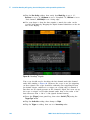
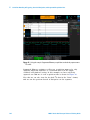
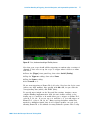
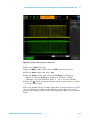
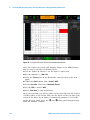
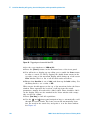
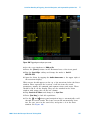
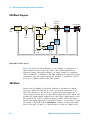
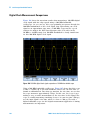
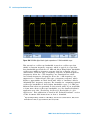
Figure 68 Decoding a CAN bus while triggering on any rising edge of the input signal.
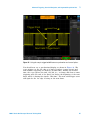
You should now see CAN decoding of this signal on your scope’s display
similar to Figure 68, but we still haven’t established stable triggering. The
scope is still triggering on any rising edge of channel- 1 (default trigger
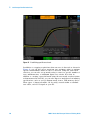
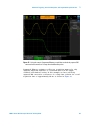
condition). Let’s now set up the scope to trigger on a CAN data frame
with the ID = 07FHEX.
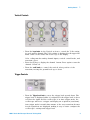
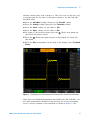
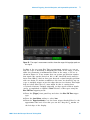
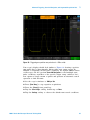
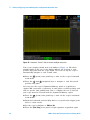
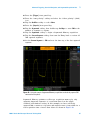
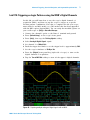
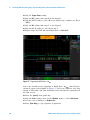
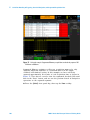
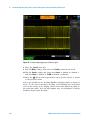
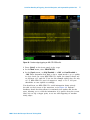
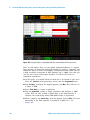
13 Press the [Trigger] front panel key.
14 Select Serial 1 (CAN) from the Trigger Type menu.
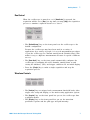
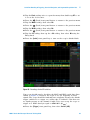
15 Tap Trigger on: SOF; then select Data Frame ID (~RTR).
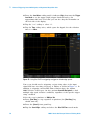
16 Tap the Bits softkey.
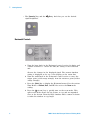
17 Tap the Hex softkey; then select F using the Entry knob.
104
4000 X-Series Oscilloscopes Advanced Training Guide