1
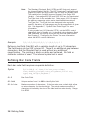
Note:
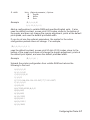
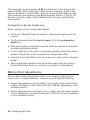
A batch has to be printing when you send the job request. You
cannot use this job request on batches printing formats with
incrementing fields.
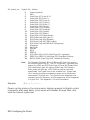
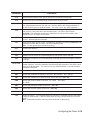
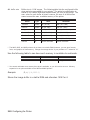
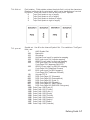
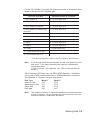
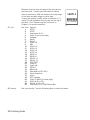
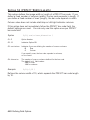
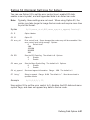
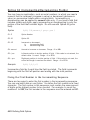
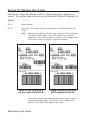
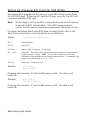
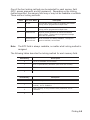
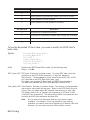
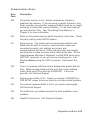
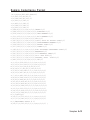
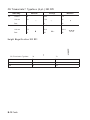
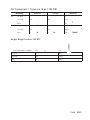
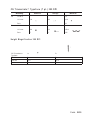
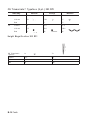
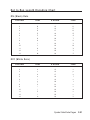
J o b S t a t u s 0 , 1 , 2 R e s p o n s e Ta b l e ( S t a t u s 1 C o d e s )
Number
Meaning
0
No error
1
Stacker fault
2
Supply problem
4
Hot printhead
5
Printhead open
6
Insufficient memory
7
Ribbon problem
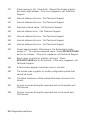
8
Field ## extends off tag
9
Field ## has a bad font/bar code
10
Field ## contains invalid data
11
Field ## has a graphic missing
12
Invalid communication channel
13
Invalid file type
14
All communication channels are busy
15
Receive overrun error
16
Receive parity error
17
Receive framing error
18
Receive buffer full
19
Label waiting
21
Bad dots (verifier detected a failure)
23
Low battery
24
Memory configuration packet error
Numbers 25 through 50 are not currently in use.
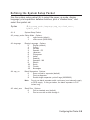
7-12
Status Polling