1
Appendix C: Operational Software Reset
WARNING!
Using this procedure completely resets the
instruments to its factory default settings for
all measurement and data logging parameters.
All readings stored in the on-board data logger
will be permanently erased. To prevent loss of
data, transfer all files to a computer or printer.
This procedure resets all instrument parameters to their
original factory default settings.
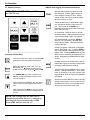
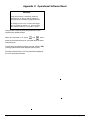
While the instrument is off, press
and
simul-
taneously and hold both keys for 3 seconds while the instrument powers up.
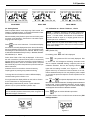
To verify that a successful reset has occurred, switch to VEL
(velocity) mode and check the displayed velocity value.
The factory default value of .2313 in/µs should be displayed.
If it is not, repeat the procedure.
Page 34
DM4E, DM4, DM4 DL Operating Manual