1
2 Troubleshooting Procedures
2.2
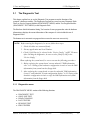
2.2 Troubleshooting Flowchart
Troubleshooting Flowchart
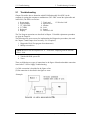
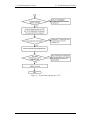
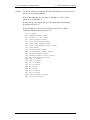
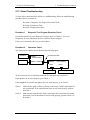
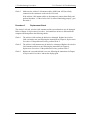
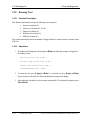
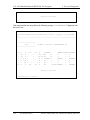
Use the flowchart in Figure 2-1 as a guide for determining which troubleshooting
procedure is executed. Before going through the flowchart steps, check the following:
? Make sure that Toshiba Windows® OS is installed on the hard disk. Non-Toshiba
operating systems can cause the computer malfunction.
? Make sure all optional equipment is removed from the computer.
2-2
[CONFIDENTIAL]
Satellite A50S/TECRA A3X Maintenance Manual (960-534)