1
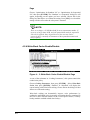
6.1.1.2 Dynamic Caching Mode Switch
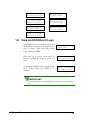
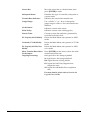
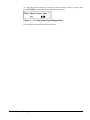
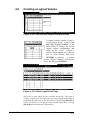
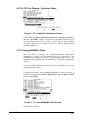
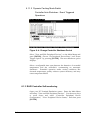
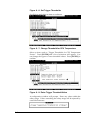
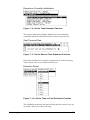
Controller Auto-Shutdown - Event Triggered
Operations
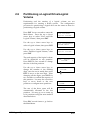
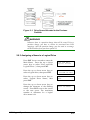
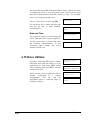
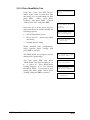
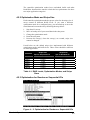
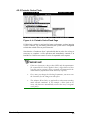
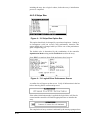
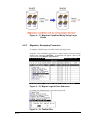
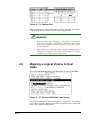
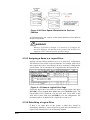
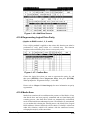
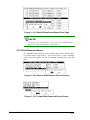
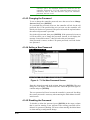
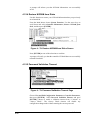
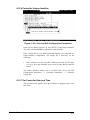
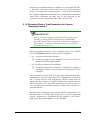
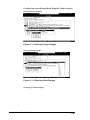
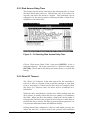
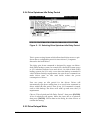
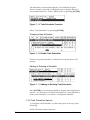
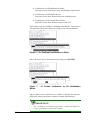
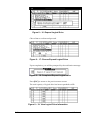
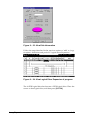
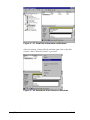
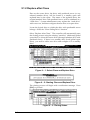
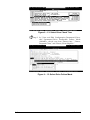
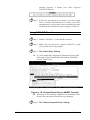
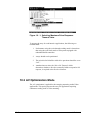
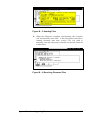
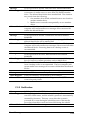
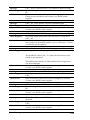
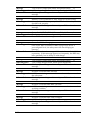
Figure 6- 4: Change Controller Shutdown Period
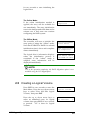
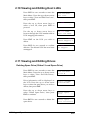
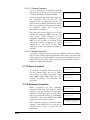
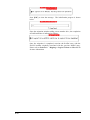
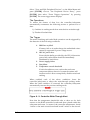
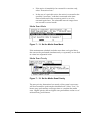
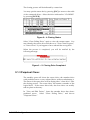
Select “View and Edit Peripheral Devices” on the Main Menu and
press [ENTER]. Choose “Set Peripheral Device Entry” and “Event
Trigger Option” by pressing [ENTER]. The auto-shutdown option
displays.
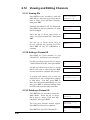
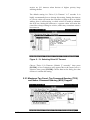
Select a configurable time span between the detection of exceeded
temperature and the controller’s commencing an automatic
shutdown. Extended operation under critical conditions like
elevated temperature greatly reduces system efficiency and may
cause component failure.
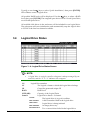
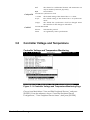
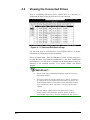
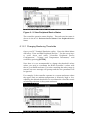
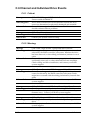
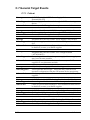
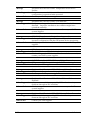
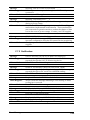
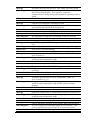
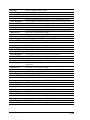
6.1.3 RAID Controller Self-monitoring
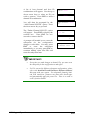
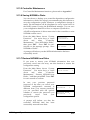
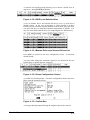
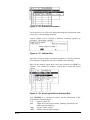
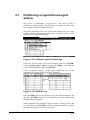
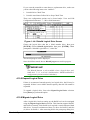
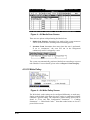
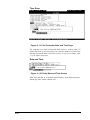
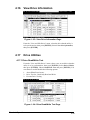
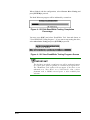
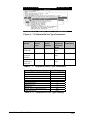
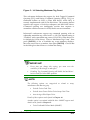
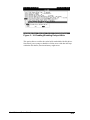
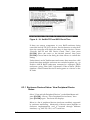
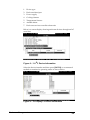
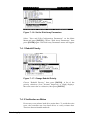
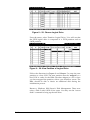
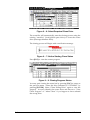
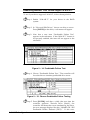
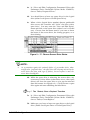
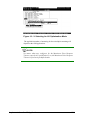
Open your PC Terminal Emulation screen. Enter the Main Menu
and select “View and Edit Peripheral Devices.” Use the arrow keys
to scroll down and select “Controller Peripheral Device
Configuration,” “View Peripheral Device Status,” and then press
[ENTER].
9-4
Infortrend