1
Back to Contents Page
Speakers
Dell™ Inspiron™ 9300 Service Manual
Removing the Speakers
Replacing the Speakers
Removing the Speakers
CAUTION: Before you begin the following procedure, see the safety instructions in the Product Information Guide.
NOTICE: To avoid electrostatic discharge, ground yourself by using a wrist grounding strap or by periodically touching an unpainted metal surface (such
as the back panel) on the computer.
NOTICE: To avoid damaging the system board, you must remove the main battery before you begin working inside the computer.
1.
Follow the instructions in "Before Working Inside Your Computer."
2.
Remove the hinge cover.
3.
Remove the keyboard.
4.
Remove the display assembly.
5.
Remove the palm rest.
NOTICE: Handle the speakers with care to avoid damaging them.
6.
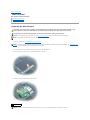
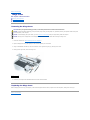
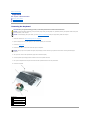
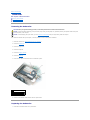
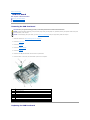
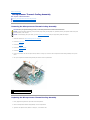
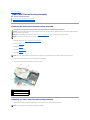
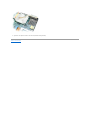
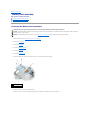
Disconnect the speaker connector from the system board.
7.
Lift the tape securing the speaker cables to the computer base, and disengage the cables from the cable guides.
8.
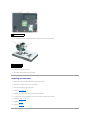
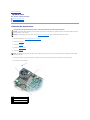
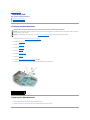
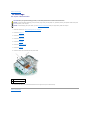
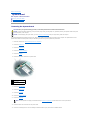
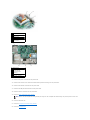
Remove the four M2.5 x 5-mm screws from the speakers (two on each speaker).
9.
Remove the speakers.
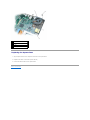
1 M2.5 x 5-mm screws (4)
2 cable guides
3 tape
4 speakers (2)
5 speaker connector on the system board
Replacing the Speakers
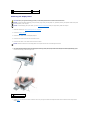
1.
Connect the speaker connector to the system board connector.