1
Cintiq20WSX_Manual.fm Page 7 Monday, January 15, 2007 9:23 AM
UNPACKING YOUR CINTIQ
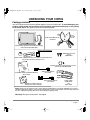
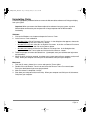
Package contents
You will find parts and accessories packed together in the accessories box. To avoid damaging your
product, please review the instructions on the following pages before setting up or using Cintiq
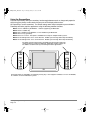
or the Cintiq stand. Your product came with the following items:
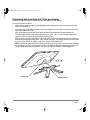
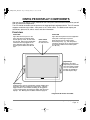
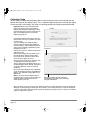
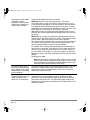
Cintiq stand (MST-A103)
*Patented
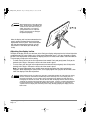
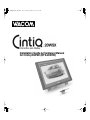
Cintiq 20WSX (model DTZ-2000W) pen display,
main unit with attached cable
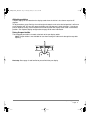
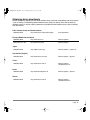
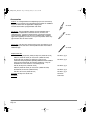
Parts and accessories
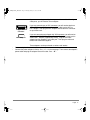
Rotation lock screws
(qty 2)
(MNE-A067)
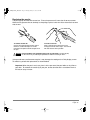
Grip Pen with replacement nibs, pen stand, and nib removal set
(ZP-501E, PST-A034, and FUZ-A131)
Bearing hub recess cover plate and screws
(PPL-A155 and NEM-A068)
Installation Guide & Hardware Manual
(this manual)
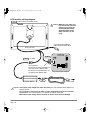
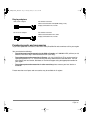
VGA to DVI-I adapter
(STJ-A252)
DVI-D to DVI-I adapter
(STJ-A253)
Wacom Pen Tablet Driver CD
(contains the driver software)
Power supply
(POW-A100)
and
power cable
Notes: Images are not shown to scale. Some package configurations may include additional CDs or DVDs
containing application software. To install these applications, review the instructions that came with those CDs
or DVDs. Retain the package box for use when storing or shipping Cintiq.
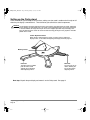
Next step: Set up the Cintiq stand. See page 8.
Unpacking your Cintiq
Page 7