1
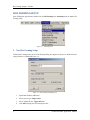
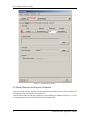
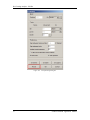
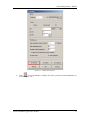
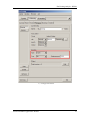
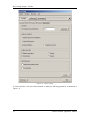
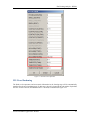
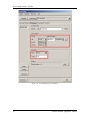
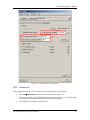
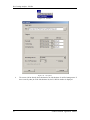
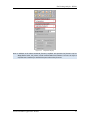
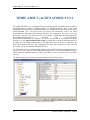
MORE ABOUT eta/DYNAFORM 5.9.2.1 MORE ABOUT eta/DYNAFORM 5.9.2.1 The eta/DYNAFORM 5.9.2.1 configuration file is located under both the installation directory and My Documents directory. Inside the eta/DYNAFORM 5.9.2.1 installation directory, there is a file called dynaformdefault.config. Many key default parameters are included in this file. When the user opens eta/DYNAFORM 5.9.2.1 for the first time, the program will automatically create a file called dynaformdefault.config under My Documents directory. The configuration file locates in the “My Documents” directory of the current user’s PC, for example, C:\Documents and Settings\Andy\My Documents\ETA\Dynaform5.9.2.1 (Windows XP), C:\Users\Andy\My Documents\ETA\Dynaform5.9.2.1 (Windows 7). The user can open this file and change these default parameters, or click OptionEdit Default Config from Menu bar to edit these default parameters in the dialog box. The modified default values in the dialog box will be saved in the configuration file under My Documents directory. The configuration file under My Documents directory will take precedence over the one under the installation directory. For UNIX/Linux users, the dynaformdefault.config file is located under both the installation directory and the user’s home directory (/home/Andy/ETA/Dynaform5.9.2.1). The dynaformdefault.config file located under the installation directory will take precedence over the one located in the user home directory. The default parameters for the hot forming are illustrated in the following figure. Default parameters in hot forming 34 eta/DYNAFORM Application Manual