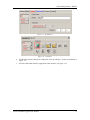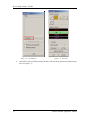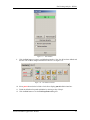
1
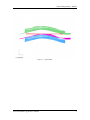
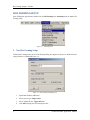
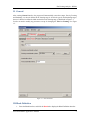
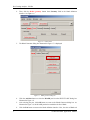
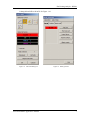
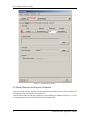
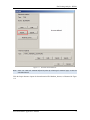
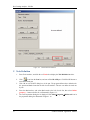
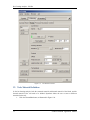
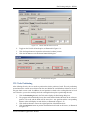
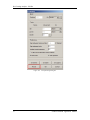
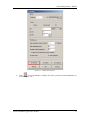
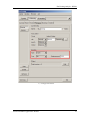
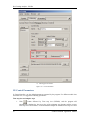
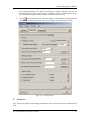
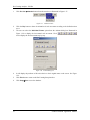
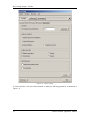
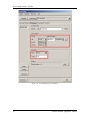
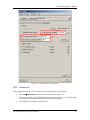
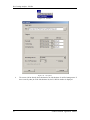
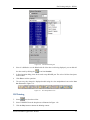
Hot Forming Analysis - B Pillar Figure 1.33 Press Hardening control parameters XIII. Submit Job After defining all the setup, you may submit jobs of the current setting for calculation. 1. Click JobJob Submitter in the menu bar, as illustrated in Figure 1.34. 2. The program pops up a Job Options dialog box illustrated in Figure 1.35. LS-DYNA double precision solver is adopted for calculation in the hot forming analysis. 3. Click OK button to complete the option setup. eta/DYNAFORM Application Manual 27