1
GETTING STARTED WITH FUNDRAISER BASIC
44
Print Envelopes
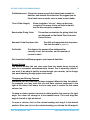
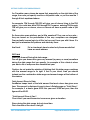
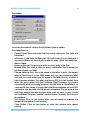
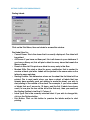
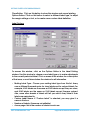
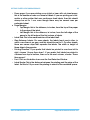
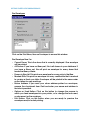
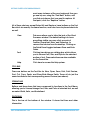
Click on the Print Menu, then on Envelopes to access this window.
Print Envelope Now For:
• Current Donor: This is the donor that is currently displayed. One envelope
will be printed.
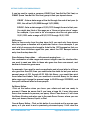
• All Donors: If you have no Query set, this is all donors in your database. If
you have a Query set, this will print an envelope for every donor that
meets the Query criteria.
• Donors in Que List: This prints one envelope for every entry in the Que.
• Marked Gifts: This prints an envelope for every contribution that is marked
to receive a thank you letter. Envelopes will be printed in the same order
as the letters for easy matchup.
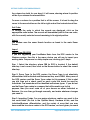
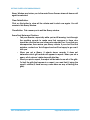
• Return Address: If you want your return address printed on envelopes,
remove the checkmark from Omit and enter your name and address in
the block provided.
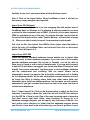
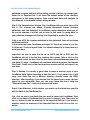
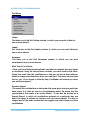
• Options or Feed Button: Click on this button to change the manner in
which you feed envelopes into your printer, or to change the fonts used,
or placement on the envelope.
• Print Button: Click on this button when you are ready to preview the
envelopes and/or to start printing.
www.FundRaiserBasic.com
[email protected]