1
AFG-3000 Series User Manual
Interface Configuration Commands
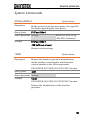
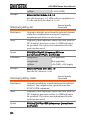
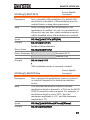
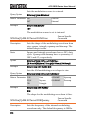
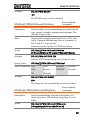
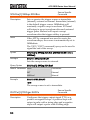
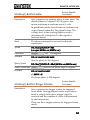
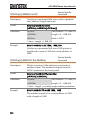
SYSTem:INTerface
System Command
Description
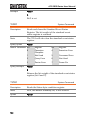
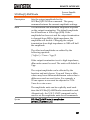
Selects the remote interface. RS-232 is the factory
default.
Note
There is no interface query.
Syntax
SYSTem:INTerface {GPIB|RS232|USB}
Example
SYST:INT USB
Sets the interface to USB.
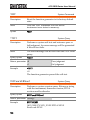
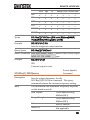
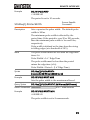
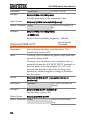
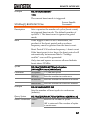
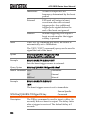
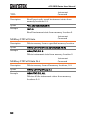
SYSTem:LOCal
System Command
Description
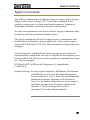
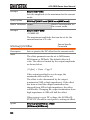
Sets the function generator to local mode. In local
mode, all front panel keys are operational.
Syntax
SYSTem:LOCal
Example
SYST:LOC
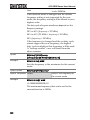
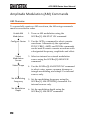
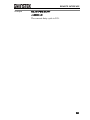
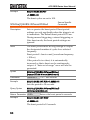
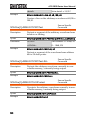
SYSTem:REMote
System Command
Description
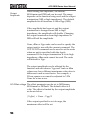
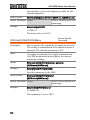
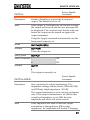
Disables the front panel keys and puts the function
generator into remote mode (RS-232).
Syntax
SYSTem:REMote
Example
SYST:REM
196