1
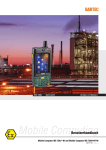
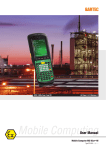
Mobile Computer MC 75Axex-NI and MC 75A6ex HF-NI
Type B7-A27.-…………
5.4.5
Commissioning
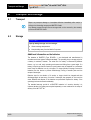
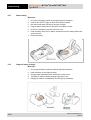
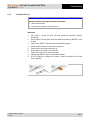
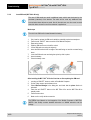
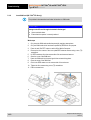
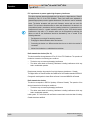
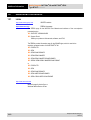
Insert Micro SD card
ATTENTION
Damage to the SD card through electrostatic discharges!
Use an antistatic base.
Ensure that the operator is correctly earthed.
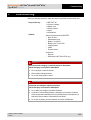
Work steps
1.
2.
3.
4.
5.
6.
7.
8.
9.
Subject to technical changes.
04/2015
Only install or replace the Micro SD card outside the potentially explosive
atmosphere.
Only use Micro SD cards which have been tested and certified by BARTEC for this
purpose.
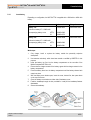
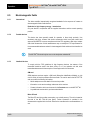
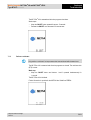
Press the red “ON/OFF” button to switch off the Mobile Computer.
Unlook the two screws of the side memory card cover.
Ensure that the card contacts are facing up.
Insert the Micro SD card until you feel a click.
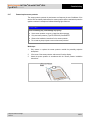
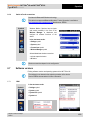
Tigthen both screws of the memory card cover.
Press the red “ON/OFF” button on the Mobile Computer.
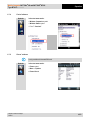
In the File Explorer or settings of the memory, check that the Micro SD card has
been recognised.
29/58