1
CHAPTER 4. SEMANTIC VISUALIZATION TOOL
55
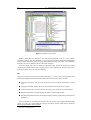
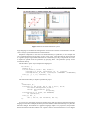
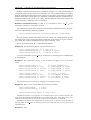
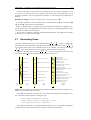
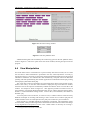
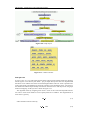
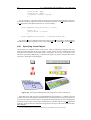
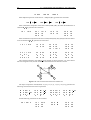
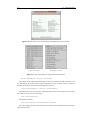
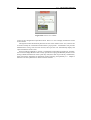
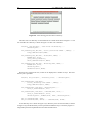
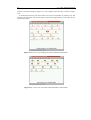
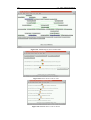
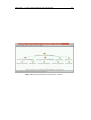
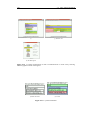
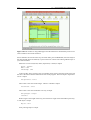
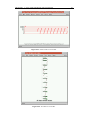
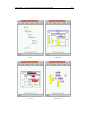
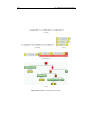
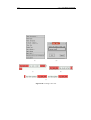
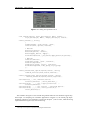
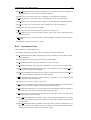
Figure 4.3. The main viewing window.
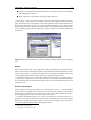
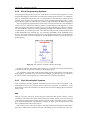
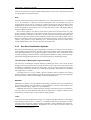
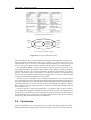
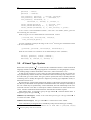
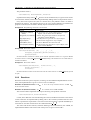
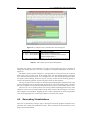
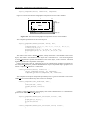
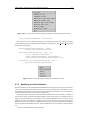
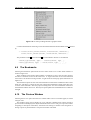
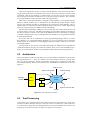
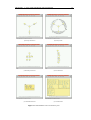
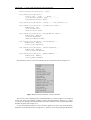
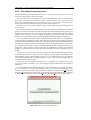
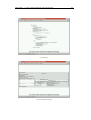
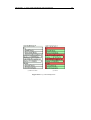
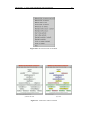
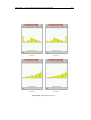
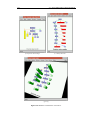
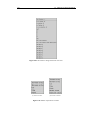
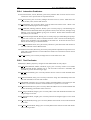
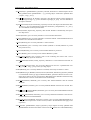
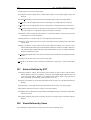
Figure 4.4. The File pulldown menu.
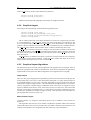
Additional Prolog files can be loaded by the Load Prolog option on the File pulldown menu,
shown in Figure 4.4. The Close option closes the current window, and the Quit option exits the
program.
4.4
View Manipulation
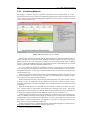
One of the main issues in visualization is to present exactly what the user wants, but it is often
the case that too much information is presented to the user, called information overload [7].
Information filtering is necessary to remove the unwanted information while leaving the required
information. While the view relations filter data semantically, viewpoint control can filter data
spatially, and such spatial filtering has common applications in information murals [49], lensing
techniques [87] and rubber sheets [88].
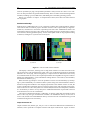
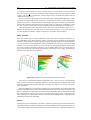
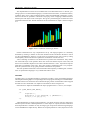
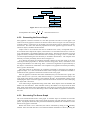
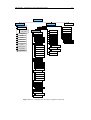
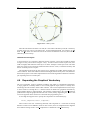
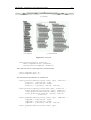
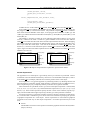
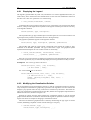
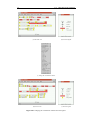
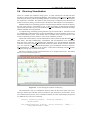
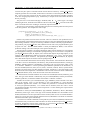
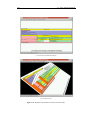
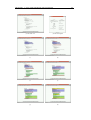
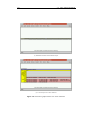
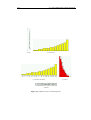
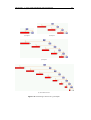
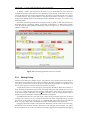
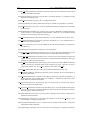
The screen has a finite size and hence has a theoretical upper limit on the amount of information it can convey. 1 In the cases where the data is simply too large to be fitted in a window,
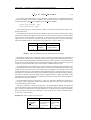
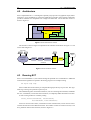
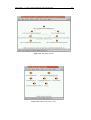
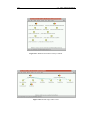
the feature size of the output is automatically reduced such that the whole view still fits in the
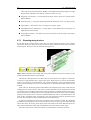
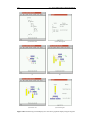
window. An example is shown in Figure 4.5. This approach provides an initial overview of
the whole data, even though detailed information may be lost, and this approach follows Shneiderman’s “visual information seeking mantra: overview first, zoom and filter, then details on
demand.” [91]
A user may have an area of interest, or in the 3-D case, a volume of interest. There are many
different techniques for scrolling and zooming to select such an area of interest [40], but the
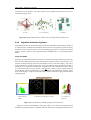
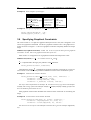
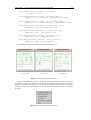
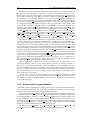
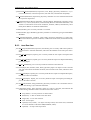
method used here is the one used Open Inventor [106]. The controls are given in Table 4.1.
Such controls are a standard method for manipulating 3-D models. This method also works
for 2-D models, which provides single mouse movements for continuous movement of the image
to any magnification and position over the scene. While rotation is necessary for viewing 31A
loose upper bound is the amount of video RAM.