1
2 OPERATING ENVIRONMENT
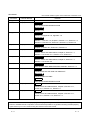
MELSOFT
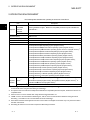
*7: For 32-bit Microsoft Excel 2010, Windows XP Service Pack 3, Windows Vista Service Pack 1 or higher, or
R
R
R
Windows 7 or later is required.
R
64-bit Microsoft Excel 2010 is not supported.
R
*8: When executing the Communication Setup Utility with administrator authority from Excel, MX Component Version
3.12N or later is required.
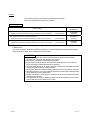
POINT
(1) When Windows XP, Windows Vista or Windows 7 is used, the following
new functions cannot be used.
If any of the following new functions is used, this product may not operate
normally.
Start of application in Windows compatible mode
Fast user switching
Remote desktop
Big fonts (Details setting of Screen properties)
64-bit Windows XP and 64-bit Windows Vista are not supported.
(2) When Windows 7 is used, the following new functions cannot be used.
Windows XP Mode
Windows Touch
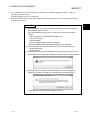
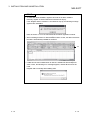
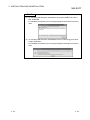
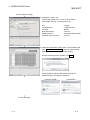
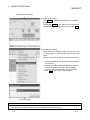
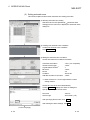
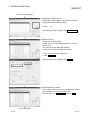
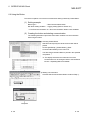
(3) When MX Sheet is tried to be installed on the personal computer where 64-bit
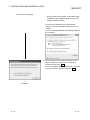
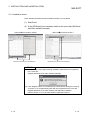
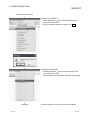
Microsoft Excel 2010 has been installed, the following error message appears.
R
R
R
R
R
R
R
R
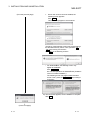
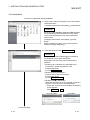
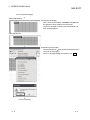
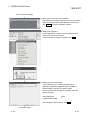
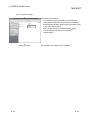
(4) When MX Sheet is installed, 64-bit Microsoft Excel 2010 is installed and
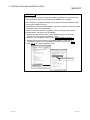
started, then an add-in is installed, the following error message appears.
R
To use MX Sheet, install 32-bit Microsoft Excel 2010.
R
2-2
2-2
2