1
3 INSTALLATION AND UNINSTALLATION
MELSOFT
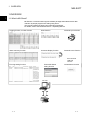
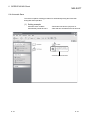
(b) Installing EnvMEL
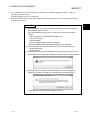
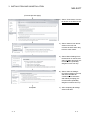
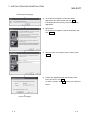
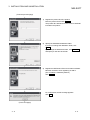
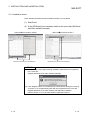
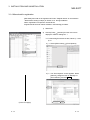
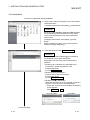
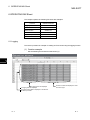
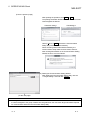
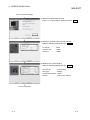
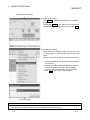
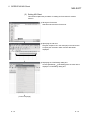
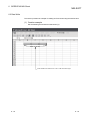
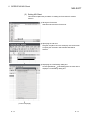
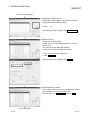
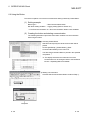
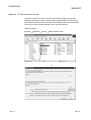
Execute Setup.exe in the [EnvMEL] folder on this product CD-ROM.
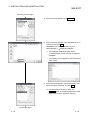
Install this product after executing the [Setup.exe].
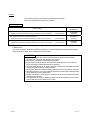
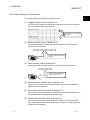
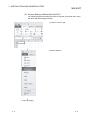
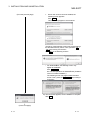
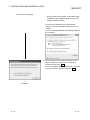
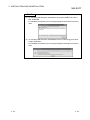
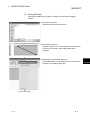
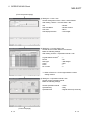
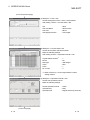
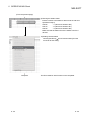
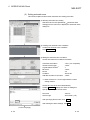
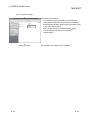
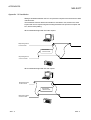
: When user account control is enabled, the following screen appears.
Click "Allow" or Yes .
< Windows Vista >
R
< Windows 7 >
R
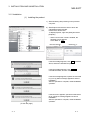
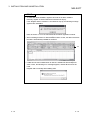
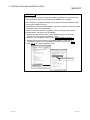
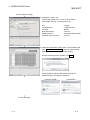
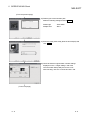
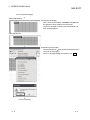
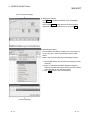
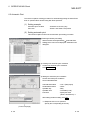
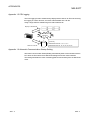
After executing the above exe file, install the product again. If this product is
not installed properly at this time, reboot the personal computer.
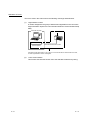
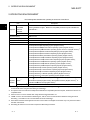
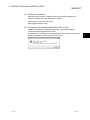
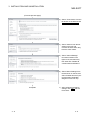
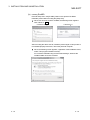
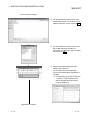
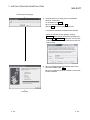
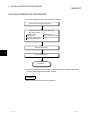
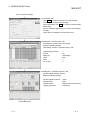
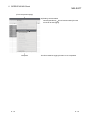
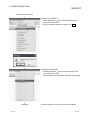
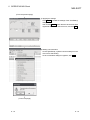
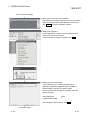
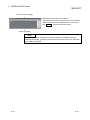
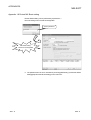
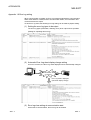
When the following screen appears, regardless of the installation result,
select "This program installed correctly".
Do not select "Reinstall using recommended settings", because the
installer installs an incorrect module.
3 - 15
3 - 15