1
6 OPERATING MX Sheet
MELSOFT
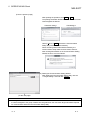
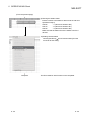
(From the previous page)
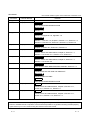
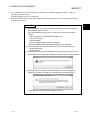
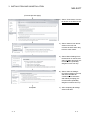
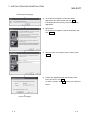
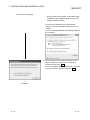
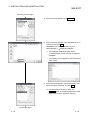
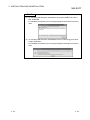
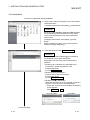
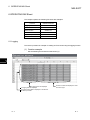
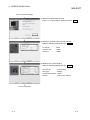
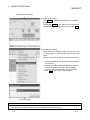
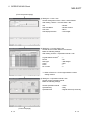
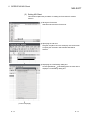
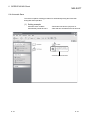
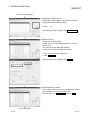
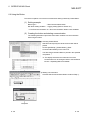
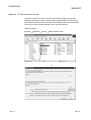
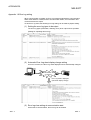
4) Setting the <<Use>> tab
Set the setting items of the <<Use>> tab as follows:
After setting, click the <<Access Data>> tab.
Use
Cell Area Name
Cell Area
Cell Display Direction
: Monitor
: Monitor function
: B2:F2
: Left to Right
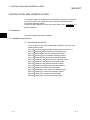
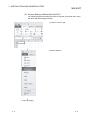
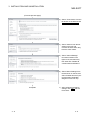
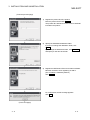
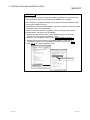
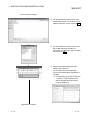
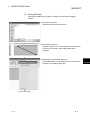
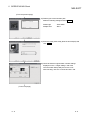
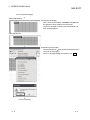
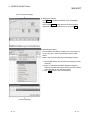
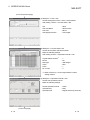
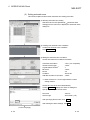
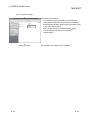
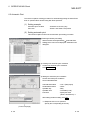
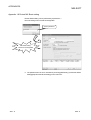
5) Setting the <<Access Data>> tab
Set the device of which data to be monitored.
Make the following settings.
After setting, click the <<Operation Interval>> tab.
*1
Logical Station Number
Device
Data type
Value
Zoom
No. of cells
:1
: D0
: 16bit integer
: DEC
:1
:5
*1: Refer to Section 6.1 for the logical station number
setting method.
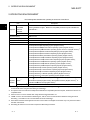
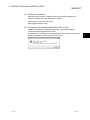
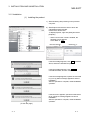
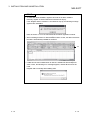
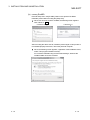
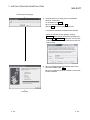
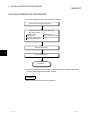
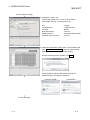
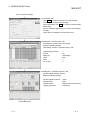
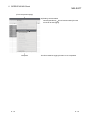
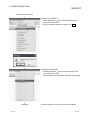
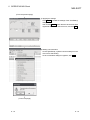
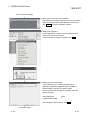
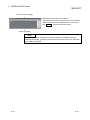
6) Setting the <<Operation Interval>> tab
Set the monitor operation interval.
Make the following settings.
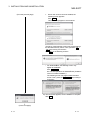
Set the Operation Interval
Operation day
Operation time
: Check
: Daily
: Regular interval (5 seconds)
(To the next page)
6 - 13
6 - 13