1
MC5 Programming Software Reference Manual
14.2.3 Programm Overview
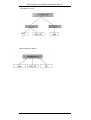
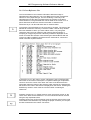
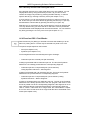
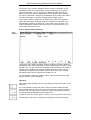
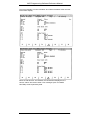
The Program Overview function presents the structure of the User
Program.
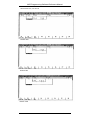
The Program Overview comprises three parts:
-A list of all selected Blocks and their length in words.
-A list of all Block types showing the total length in words for each type of the
selected Blocks.
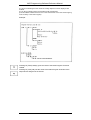
-The Program Overview display in which call nesting of the individual Blocks,
starting from Blocktype OB is indicated. The maximum nesting depth shown
depends on the Printer Presets 'Number of characters per line' and 'Left
margin' and can be up to level 13.
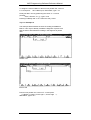
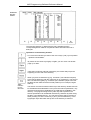
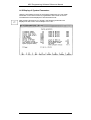
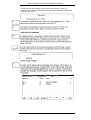
To create a Program Overview you press F1 (Create). Next an entry window
will become available in which you enter a Block name, or by using wild
characters, select a group of Blocks. After entering wild characters or
accepting an empty entry window, the Directory Window is displayed for
further file selection. After selecting the desired Blocks with the "Insert" Key
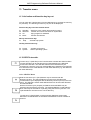
(INS or INSERT) or space bar a selection can be made on the type of
overview to create:
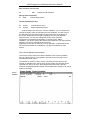
1:
Program Overview without Data Block calIs displayed
2:
Program Overview with Data Blocks calls displayed.
3:
Program Overview without Data Blocks calls displayed and
additionally examining Standard Function Blocks.
4:
Program Overview with Data Blocks calls displayed and
additionally examining Standard Function Blocks.
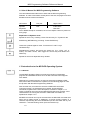
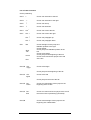
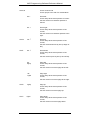
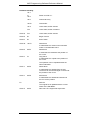
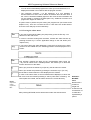
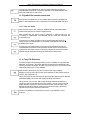
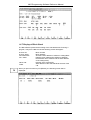
Significance of the identifiers of the Program Overview:
-
Block is called unconditionally: JU (unconditional jump) C DBxxx.
=
Block is called conditionally: JC (conditional jump).
+
Normal MC5 statement.
G
Generation of a Data Block: G DBxxx (generate Data Block).
?
Parameter of Format Operand.
#
The operand follows a DO DW or DO FW command (indirect
addressing of a Block).
????? The Block which has been called does not exist or was not
selected for examination.
.
14-4
VIPA
Rev. 00/35