1
ControlWave ScriptTool User’s Guide
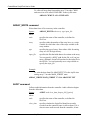
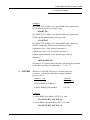
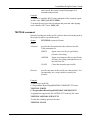
CREATE_FOLDER command
Creates a folder.
Syntax:
CREATE_FOLDER folder
where:
folder
specifies the name of the folder. You can specify a full
path for the folder; if you just enter a name, ScriptTool
creates the folder in the ZIP file. You can optionally use
a script variable to specify the folder or path and folder.
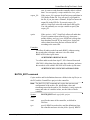
Examples:
To create a folder named HISTDATA in the zip file, enter:
CREATE_FOLDER HISTDATA
To create a folder on the PC in the
C:\ProgramData\Bristol\OpenBSI\MYDATA folder named HISTDATA
enter:
CREATE_FOLDER C:\ProgramData\Bristol\OpenBSI\MYDATA\HISTDATA
To use a script variable named MYFOLDER to create a folder on the
PC in the C:\ProgramData\Bristol\OpenBSI\MYDATA folder named
HISTDATA, enter:
VAR_F_VAL MYFOLDER
C:\ProgramData\Bristol\OpenBSI\MYDATA\HISTDATA
CREATE_FOLDER MYFOLDER
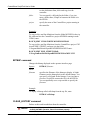
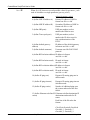
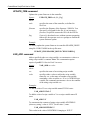
DELETE_FOLDER command
Deletes a folder.
Syntax:
DELETE_FOLDER folder
where:
folder
specifies the name of the folder. You can specify a full
path for the folder; if you just enter a name, ScriptTool
looks for the folder in the ZIP file. You can optionally
use a script variable to specify the folder or path and
folder.
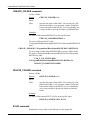
Example:
To delete a folder named YEST_DATA in the zip file, enter:
DELETE_FOLDER YEST_DATA
ECHO command
Displays the string on the screen and logs it to the output file.
A-8
ScriptTool Commands
Issued May-2013