1
Setting the Lock Mode
Setting the Lock Mode
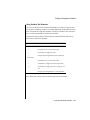
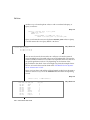
The lock mode determines what happens when your program encounters
locked data. One of the following situations occurs when a program attempts
to fetch or modify a locked row:
■
The database server immediately returns an error code in SQLCODE
or SQLSTATE to the program.
■
The database server suspends the program until the program that
placed the lock removes the lock.
■
The database server suspends the program for a time and then, if the
lock is not removed, the database server sends an error-return code
to the program.
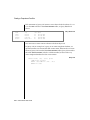
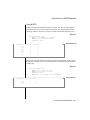
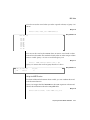
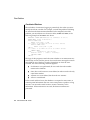
You choose among these results with the SET LOCK MODE statement.
Waiting for Locks
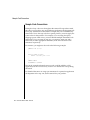
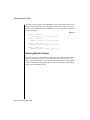
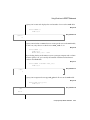
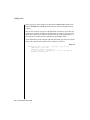
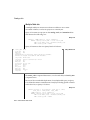
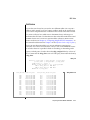
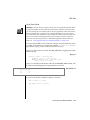
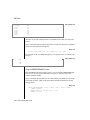
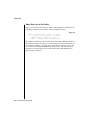
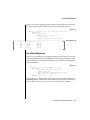
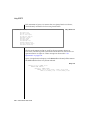
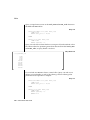
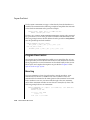
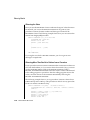
If you prefer to wait (this choice is best for many applications), execute the
following statement:
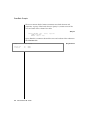
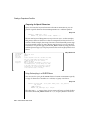
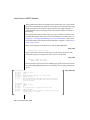
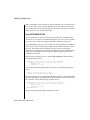
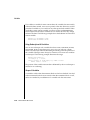
SET LOCK MODE TO WAIT
When this lock mode is set, your program usually ignores the existence of
other concurrent programs. When your program needs to access a row that
another program has locked, it waits until the lock is removed, then proceeds.
The delays are usually imperceptible.
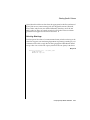
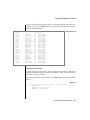
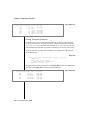
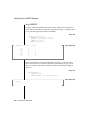
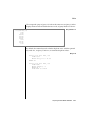
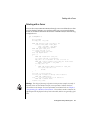
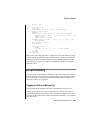
Not Waiting for Locks
The disadvantage of waiting for locks is that the wait might become very
long (although properly designed applications should hold their locks very
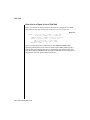
briefly). When the possibility of a long delay is not acceptable, a program can
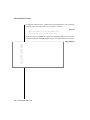
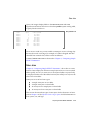
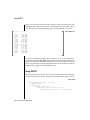
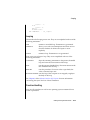
execute the following statement:
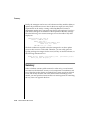
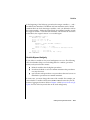
SET LOCK MODE TO NOT WAIT
7-18
Informix Guide to SQL: Tutorial