1
Data Types
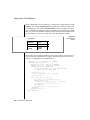
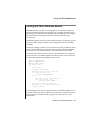
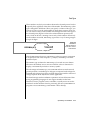
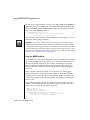
When you use INFORMIX-4GL or INFORMIX-SQL to design a report, you have
the greater flexibility of the PRINT statement. To select each component of a
DATETIME or INTERVAL value as an expression, use the EXTEND function.
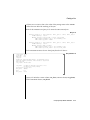
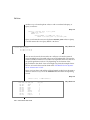
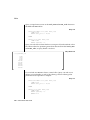
Give each expression an alias for convenience, as the following partial
SELECT statement shows:
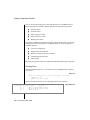
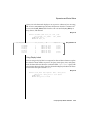
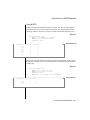
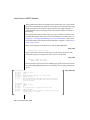
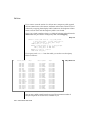
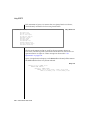
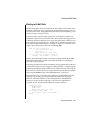
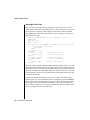
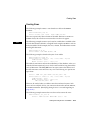
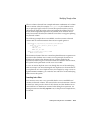
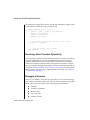
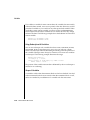
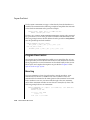
SELECT ...
EXTEND (START_TIME, HOUR TO HOUR) H,
EXTEND (START_TIME, MINUTE TO MINUTE) M, ...
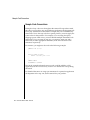
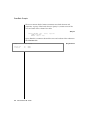
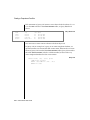
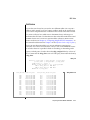
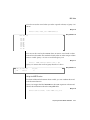
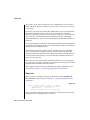
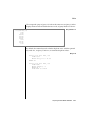
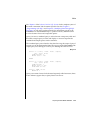
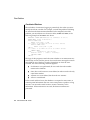
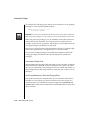
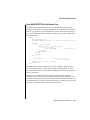
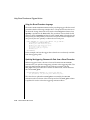
Then, in the report, combine the components in a PRINT expression with the
desired punctuation, as the following example shows:
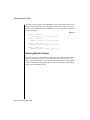
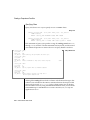
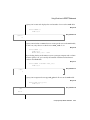
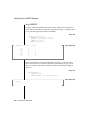
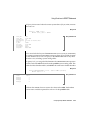
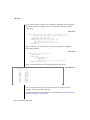
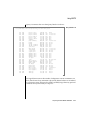
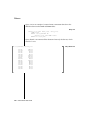
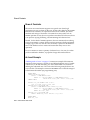
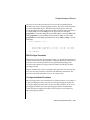
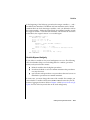
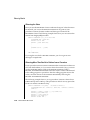
PRINT 'Start work at ', H USING '&&', M USING '&&', 'hours.'
Start work at 0800 hours.
GLS
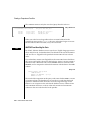
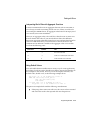
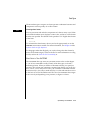
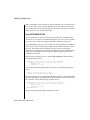
Choosing a DATETIME Format
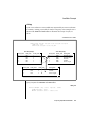
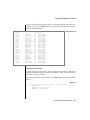
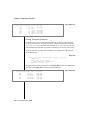
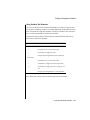
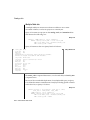
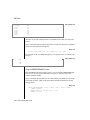
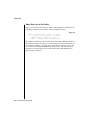
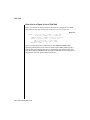
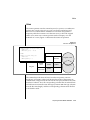
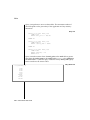
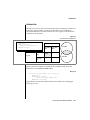
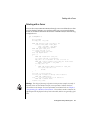
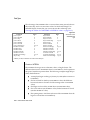
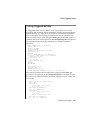
When an Informix database server displays a DATETIME value, it refers to a
DATETIME format that the user specifies. The default locale specifies a U.S.
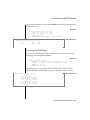
English DATETIME format of the following form:
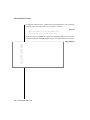
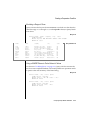
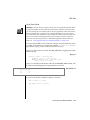
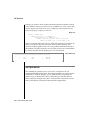
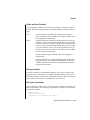
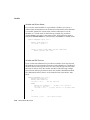
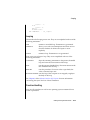
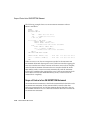
1995-10-25 18:02:13
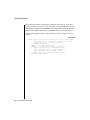
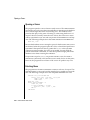
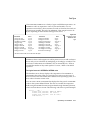
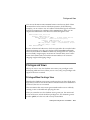
For languages other than English, you change the DATETIME format by
means of the TIME category of the locale file. For more information on using
locales, refer to the Guide to GLS Functionality.
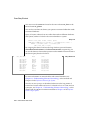
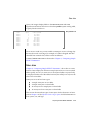
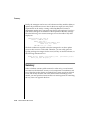
To customize this DATETIME format, choose your locale appropriately or set
the GL_DATETIME or DBTIME environment variable. For more information
see the Guide to GLS Functionality.♦
9-18
Informix Guide to SQL: Tutorial