1
SQ 1600 User’s Manual
Previewing printed output
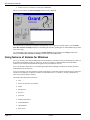
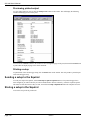
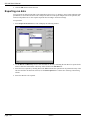
To view printed output on screen, click the Print preview button on the toolbar. This will display the following
window containing a preview of the print:
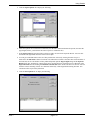
You can use the ARROW buttons in the window to move through the pages of the print, then click the Print button
to print either the displayed page or the whole document.
Printing a setup
To print details of the current logger setup, click the Print button on the toolbar. This will produce a printed report
of the current logger setup.
Sending a setup to the Squirrel
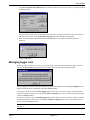
To send your setup to the Squirrel, select Send setup to Squirrel (Squirrel menu). If any unused triggers have
been configured, you will be asked if you want to disable them to increase efficiency; select the required response.
The status bar will show items as they are sent, and will show Setup completed OK when the setup has been sent.
Storing a setup in the Squirrel
To store the setup in the SQ 1600 itself:
page 3-10
issue 1