1
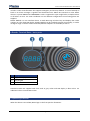
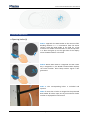
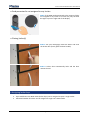
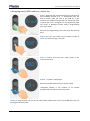
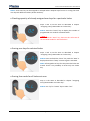
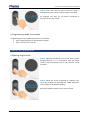
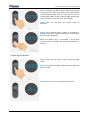
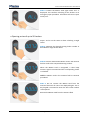
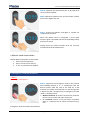
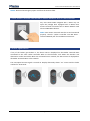
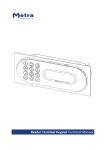
Locker Controller ELS NET Basic User Manual Normal operation Opening locker(s) STEP 1: Approach the RFID media to the antenna field. Reading distance is 3 – 5 centimetres from the device surface. Hold the RFID media in the field for a few moments for Reader Terminal Basic to read and process it. A blue dot lights up on the right side of the display when the RFID media is in the field. STEP 2: When RFID media is recognized and the Locker Key is assigned to it, the Reader Terminal Basic displays the locker number. Short beep acoustic signal is also generated. STEP 3: The corresponding locker is unlocked and opened. NOTE: If more than 1 locker is assigned to the presented RFID media all lockers open one by one and each locker number is displayed for half second! Page 5