1
4.7
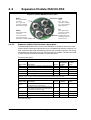
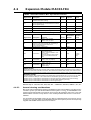
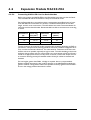
Expansion Module MAC00-FP2/FP4
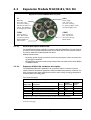
4.7.12
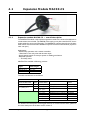
Assembly instructions for profi cables
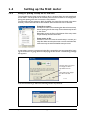
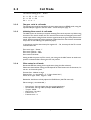
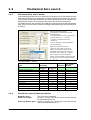
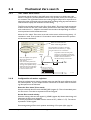
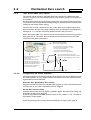
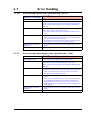
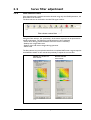
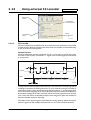
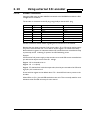
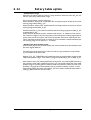
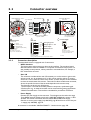
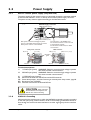
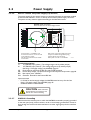
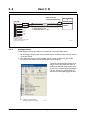
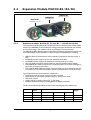
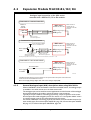
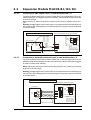
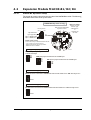
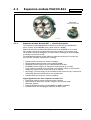
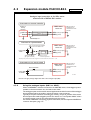
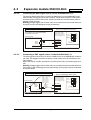
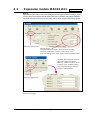
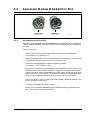
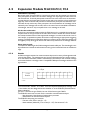
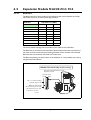
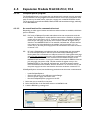
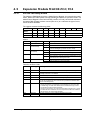
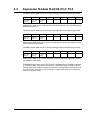
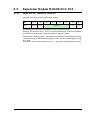
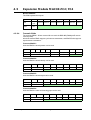
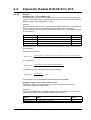
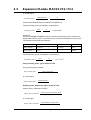
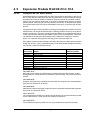
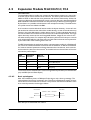
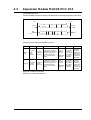
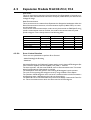
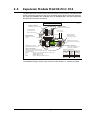
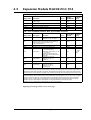
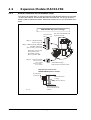
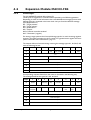
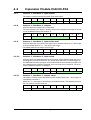
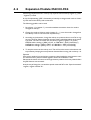
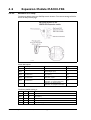
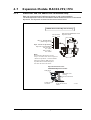
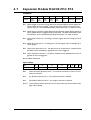
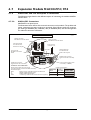
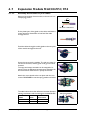
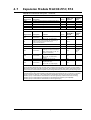
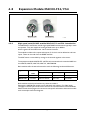
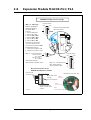
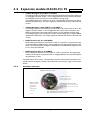
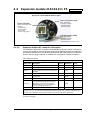
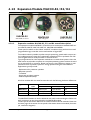
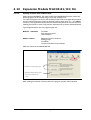
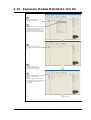
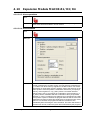
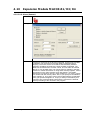
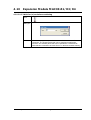
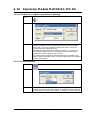
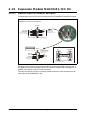
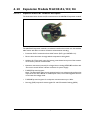
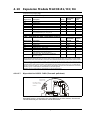
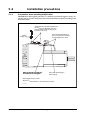
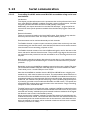
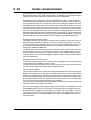
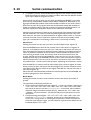
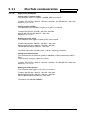
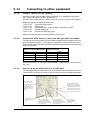
Remove the insulation from the cable, as shown in the accompanying picture.
16
36
4
All values in millimetres
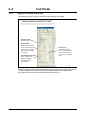
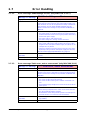
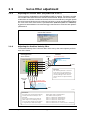
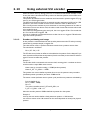
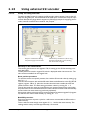
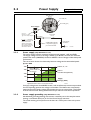
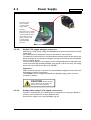
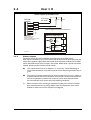
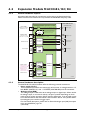
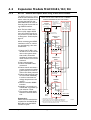
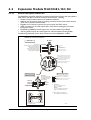
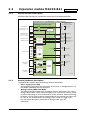
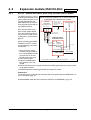
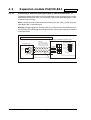
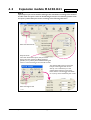
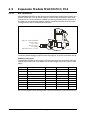
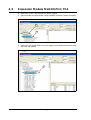
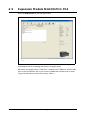
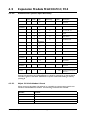
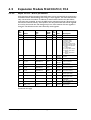
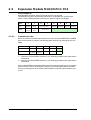
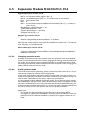
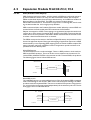
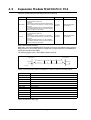
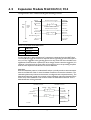
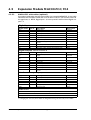
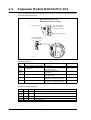
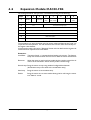
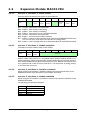
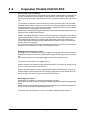
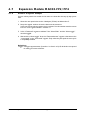
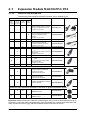
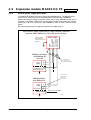
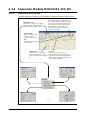
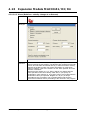
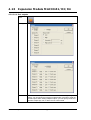
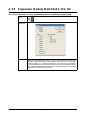
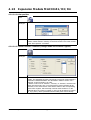
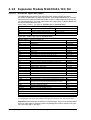
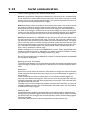
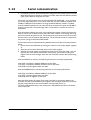
Fit the plastic part of the gland on the cable, and fold the
screen around it. Remember to first feed the cable
through the nut.
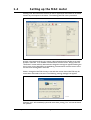
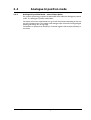
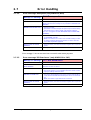
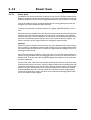
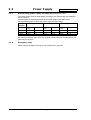
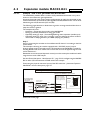
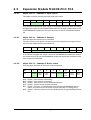
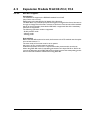
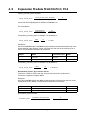
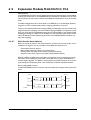
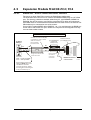
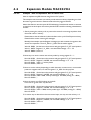
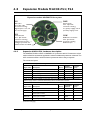
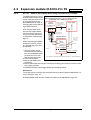
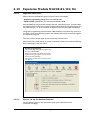
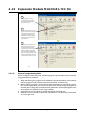
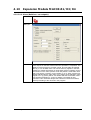
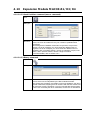
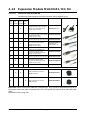
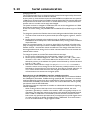
Feed the cables through the cable glands in the rear plate
of the module and tighten the nuts.
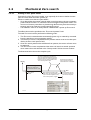
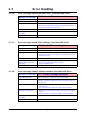
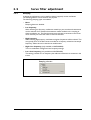
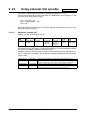
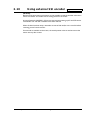
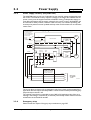
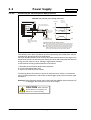
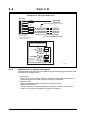
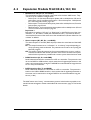
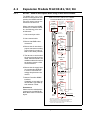
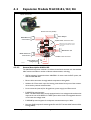
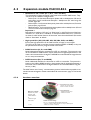
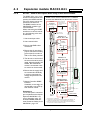
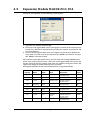
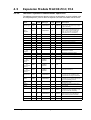
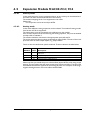
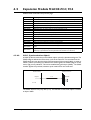
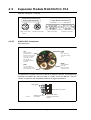
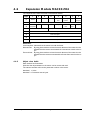
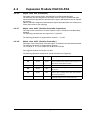
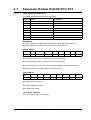
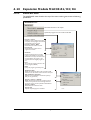
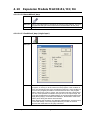
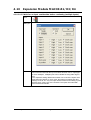
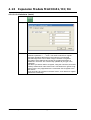
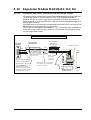
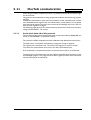
Screw the wires into the module. The red wire must go
into the B+terminal, and the green must go into the Aterminal.
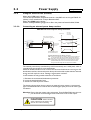
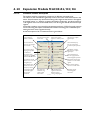
The input and output terminals can be swapped if required. The is no difference between input and output on
the board which means that it is purely hard-wired.
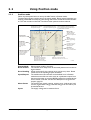
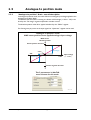
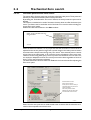
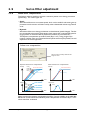
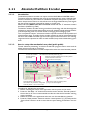
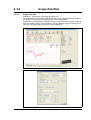
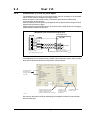
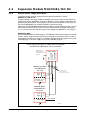
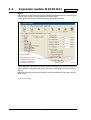
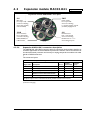
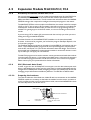
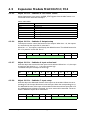
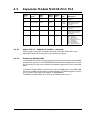
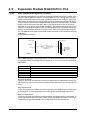
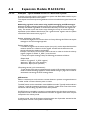
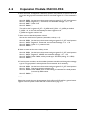
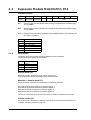
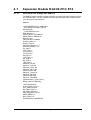
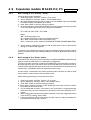
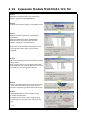
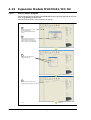
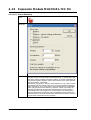
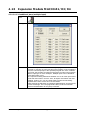
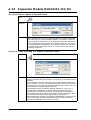
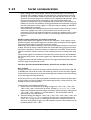
Attach the circuit board to the rear plate with the two
screws. REMEMBER to use the spring washers included.
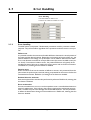
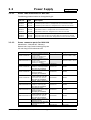
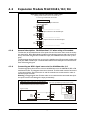
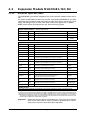
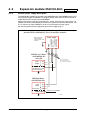
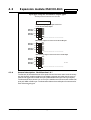
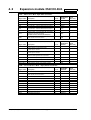
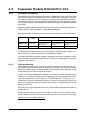
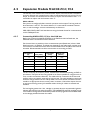
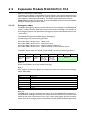
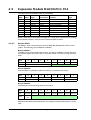
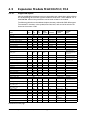
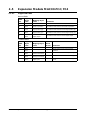
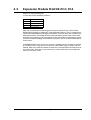
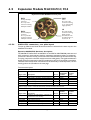
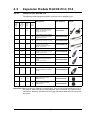
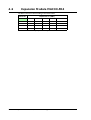
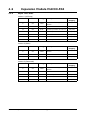
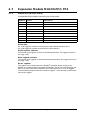
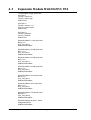
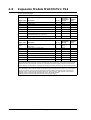
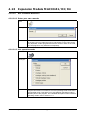
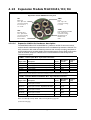
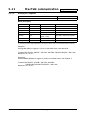
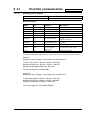
The table below shows the difference between Siemens
naming conventions and the naming on the MAC00-FPx.
224
MAC00-FPx
name
Siemens
name
Standard
wire colour
B+
B
Red
A-
A
Green
IMPORTANT:
use spring washer
JVL Industri Elektronik A/S - User Manual - Integrated Servo Motors MAC050 - 800