1
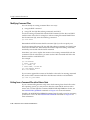
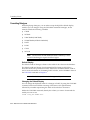
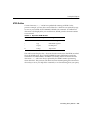
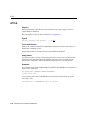
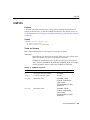
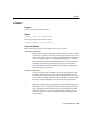
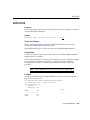
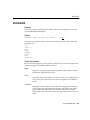
Editing Commands
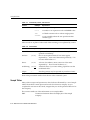
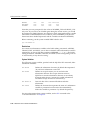
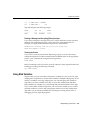
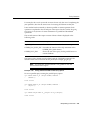
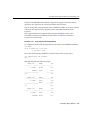
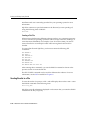
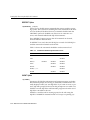
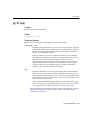
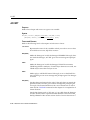
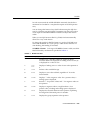
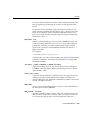
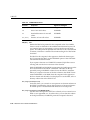
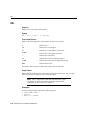
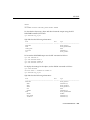
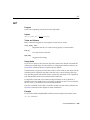
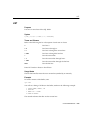
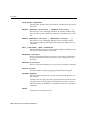
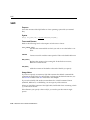
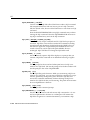
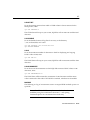
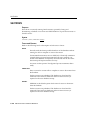
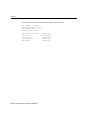
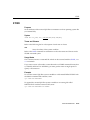
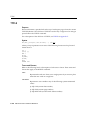
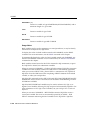
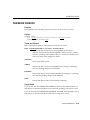
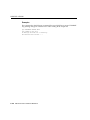
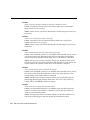
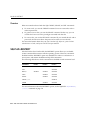
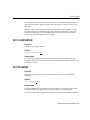
Table 3–1 SQL*Plus Editing Commands
Command
Abbreviation Purpose
LIST n *
L n *
lists line n through the current line
LIST LAST
L LAST
lists the last line
LIST m n
L m n
lists a range of lines (m to n)
LIST * n
L * n
lists the current line through line n
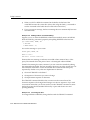
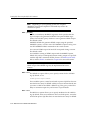
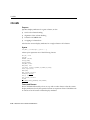
You will find these commands useful if you mistype a command or wish to modify
a command you have entered.
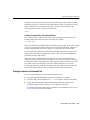
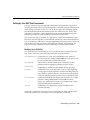
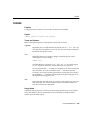
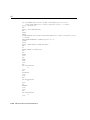
Listing the Buffer Contents
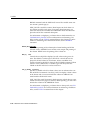
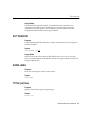
Any editing command other than LIST and DEL affects only a single line in the
buffer. This line is called the current line. It is marked with an asterisk when you list
the current command or block.
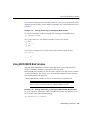
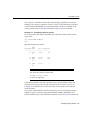
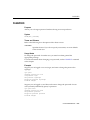
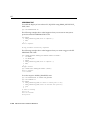
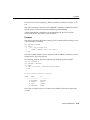
Example 3–1
Listing the Buffer Contents
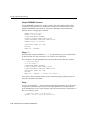
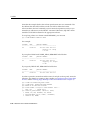
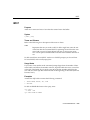
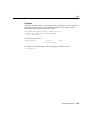
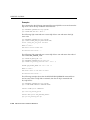
Suppose you want to list the current command. Use the LIST command as shown
below. (If you have EXITed SQL*Plus or entered another SQL command or PL/SQL
block since following the steps in Example 2–3, perform the steps in that example
again before continuing.)
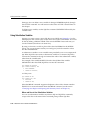
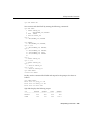
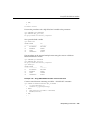
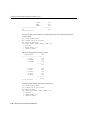
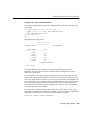
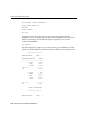
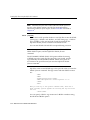
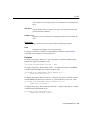
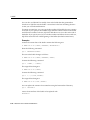
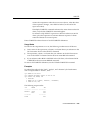
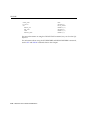
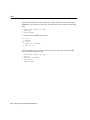
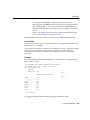
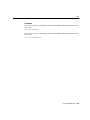
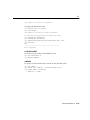
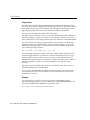
SQL> LIST
1 SELECT EMPNO, ENAME, JOB, SAL
2* FROM EMP WHERE SAL < 2500
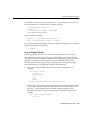
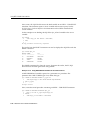
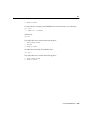
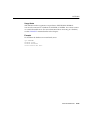
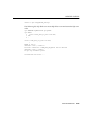
Notice that the semicolon you entered at the end of the SELECT command is not
listed. This semicolon is necessary to mark the end of the command when you enter
it, but SQL*Plus does not store it in the SQL buffer. This makes editing more
convenient, since it means you can append a new line to the end of the buffer
without removing a semicolon.
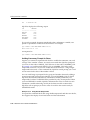
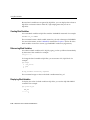
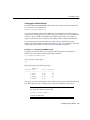
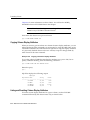
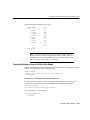
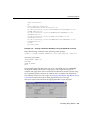
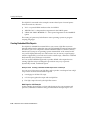
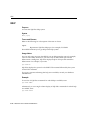
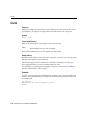
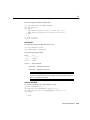
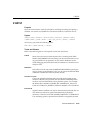
Editing the Current Line
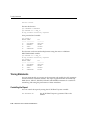
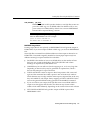
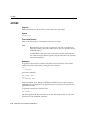
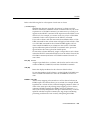
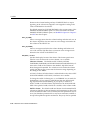
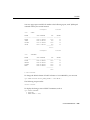
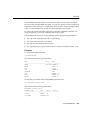
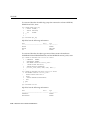
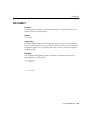
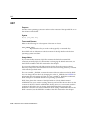
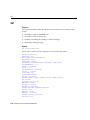
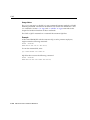
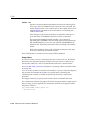
The SQL*Plus CHANGE command allows you to edit the current line. Various
actions determine which line is the current line:
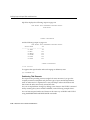
■
LIST a given line to make it the current line.
Manipulating Commands 3-3