1
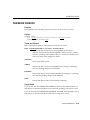
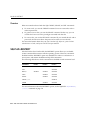
log in (or log on)
To perform a sequence of actions at a terminal that establishes a user’s
communication with the operating system and sets up default characteristics for the
user’s terminal session.
log off (or log out)
To terminate interactive communication with the operating system, and end a
terminal session.
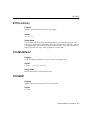
Log Writer (LGWR)
A background process used by an Oracle instance. LGWR writes redo log entries to
disk. Redo log data is generated in the redo log buffer of the system global area. As
transactions commit and the log buffer fills, LGWR writes redo log entries into an
online redo log file.
logon string
A user-specified command line, used to run an application that is connected to
either a local or remote database. The logon string either explicitly includes a
connect identifier or implicitly uses a default connect identifier.
LONG datatype
One of the standard Oracle datatypes. A LONG column can contain any printable
characters such as A, 3, &, or a blank, and can have any length from 0 to 2
gigabytes.
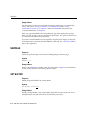
MARKUP
Refers to the SET MARKUP clause or the SQLPLUS -MARKUP clause that permits
SQL*Plus output to be generated in HTML format for delivery on the Internet.
SQL*Plus output generated in HTML can be viewed with any web browser
supporting HTML 3.2.
mounted database
A database associated with an Oracle instance. The database may be opened or
closed. A database must be both mounted an opened to be accessed by users. A
database that has been mounted but not opened can be accessed by DBAs for some
maintenance purposes.
Glossary-13