1
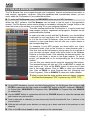
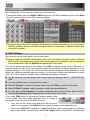
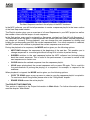
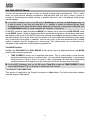
The PROCESS section in CHOP mode offers an additional option which affects the whole sample
regardless of the selected slice.
•
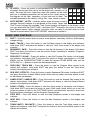
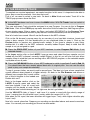
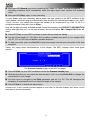
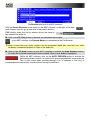
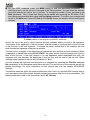
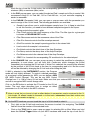
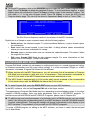
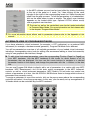
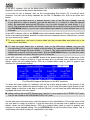
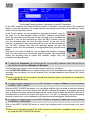
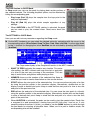
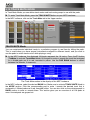
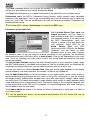
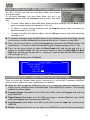
CONVERT offers three ways of exporting the sliced sample.
o Patched Phrase creates a new sample based on your edits done in the Chop mode
and places it in the current Project.
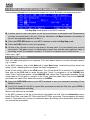
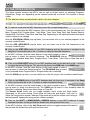
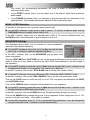
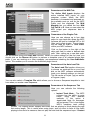
o Sliced Samples creates single samples of the sliced sample. If Crop Samples is
activated, a new sample for each slice is created. You can also activate Create New
Program to create a program where each
slice is automatically assigned to a pad. If
Create New Program is chosen, you also
get the option to Create Events. If Create
Events is activated, a new sample for
each slice will be created automatically
and loaded to the pads in the new
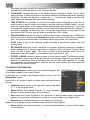
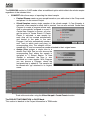
Program. It will also automatically create a
new Track in which each pad plays its
corresponding slice. The samples will be
named with "sl" and a consecutive number attached to their original name.
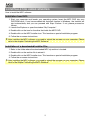
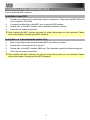
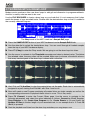
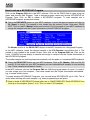
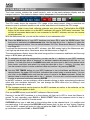
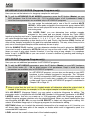
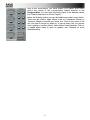
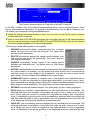
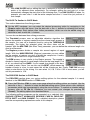
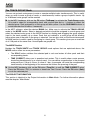
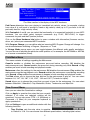
o Assign Slice assigns a single slice to a
chosen Pad. With Pad you can choose the
corresponding Pad, where the sample is
assigned to. If Extract Region To New
Sample is activated, the slice is also
extracted as a new sample. With Program
you can choose a Program, where the
assigned slice is added to. The sample will
be named with "pp" attached to its original
name.
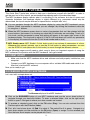
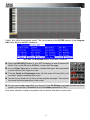
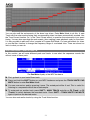
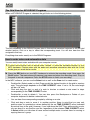
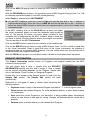
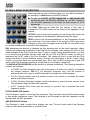
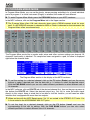
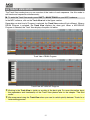
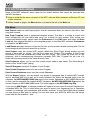
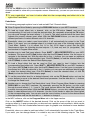
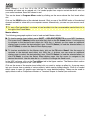
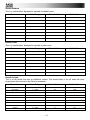
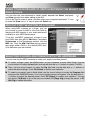
Track with events after using the Sliced Sample/ Create Events function
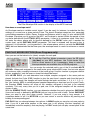
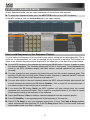
The PROJECT INFORMATION in CHOP Mode
This section is identical to the Project Information in TRIM mode.
79