1
6.3 Procedure Interpretation
• 215
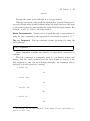
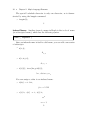
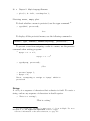
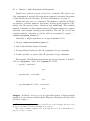
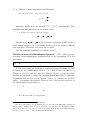
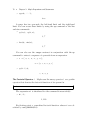
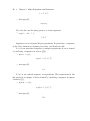
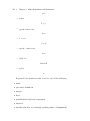
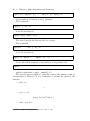
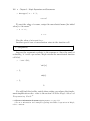
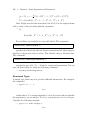
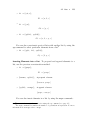
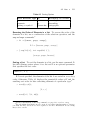
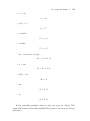
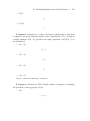
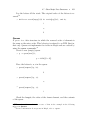
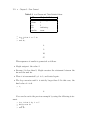
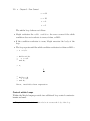
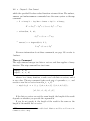
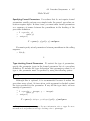
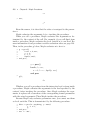
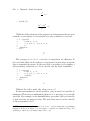
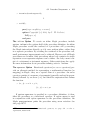
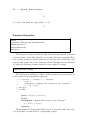
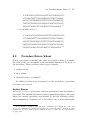
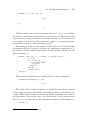
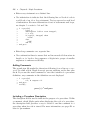
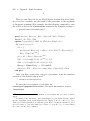
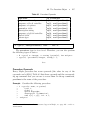
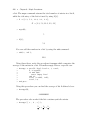
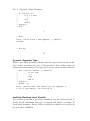
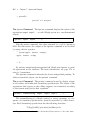
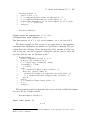
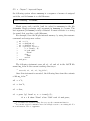
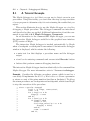
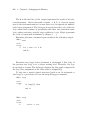
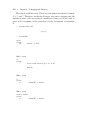
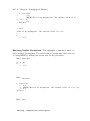
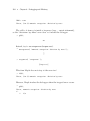
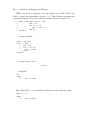
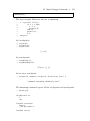
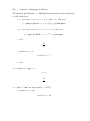
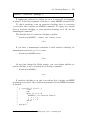
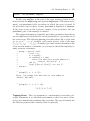
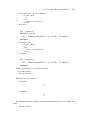
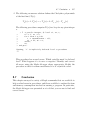
> f := proc(x)
>
option ‘Copyrighted ?‘;
>
description "computes the square of x";
>
x^2; # compute x^2
> end proc:
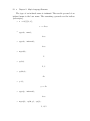
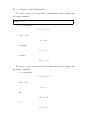
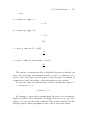
> eval(f);
proc(x)
description “computes the square of x”
...
end proc
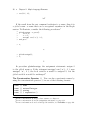
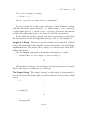
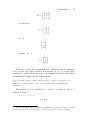
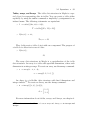
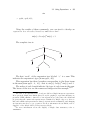
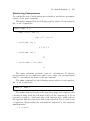
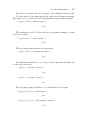
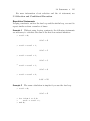
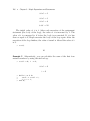
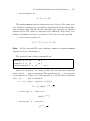
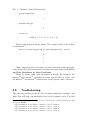
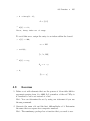
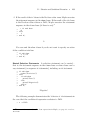
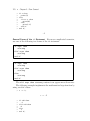
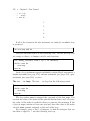
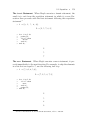
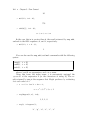
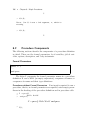
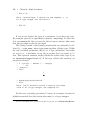
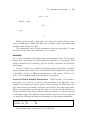
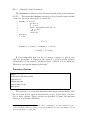
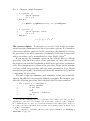
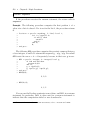
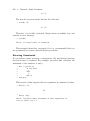
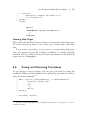
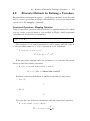
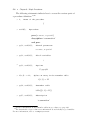
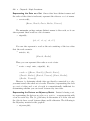
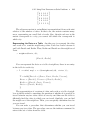
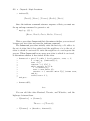
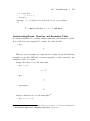
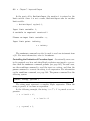
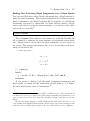
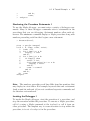
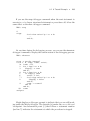
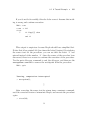
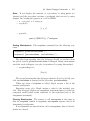
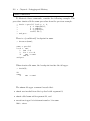
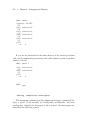
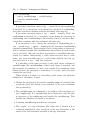
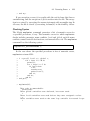
You can include more than one line of text in the description field by
splitting the description string into smaller strings.
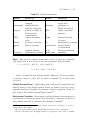
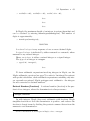
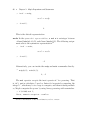
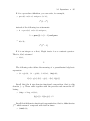
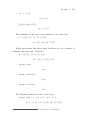
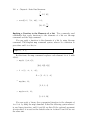
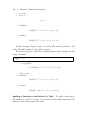
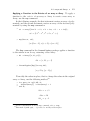
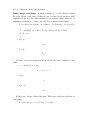
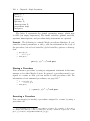
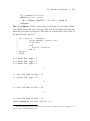
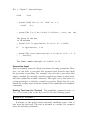
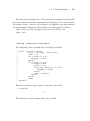
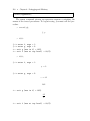
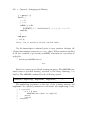
> f := proc(x)
>
description "This example shows "
>
"how to include "
>
"a multi-line description.";
>
x^2;
> end proc:
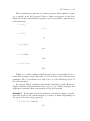
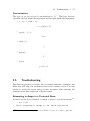
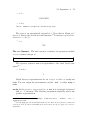
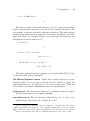
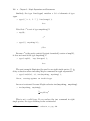
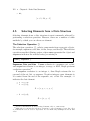
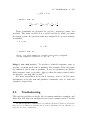
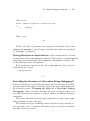
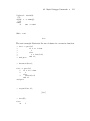
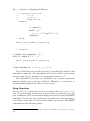
> eval(f);
proc(x)
description“This example shows how to include a \
multi-line description.”;
x2
end proc
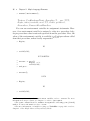
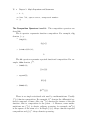
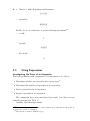
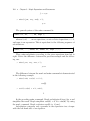
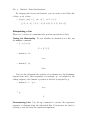
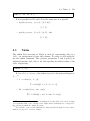
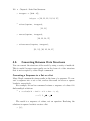
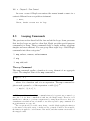
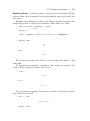
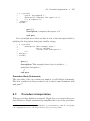
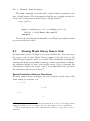
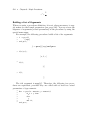
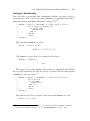
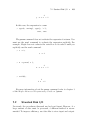
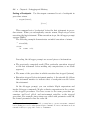
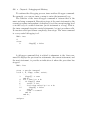
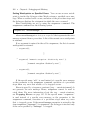
Procedure Body Statements
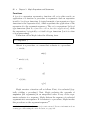
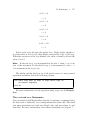
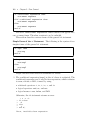
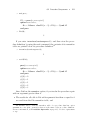
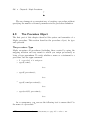
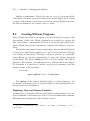
The procedure body can contain any number of valid Maple statements.
The only condition on the procedure body is that it must terminate with
end proc.17
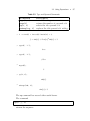
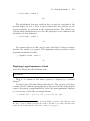
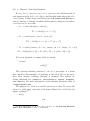
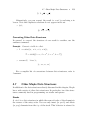
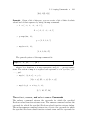
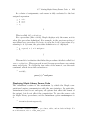
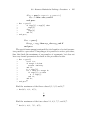
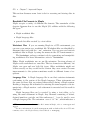
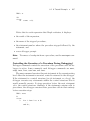
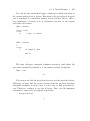
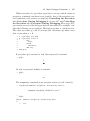
6.3
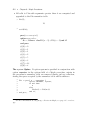
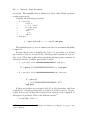
Procedure Interpretation
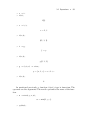
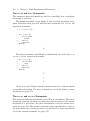
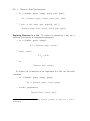
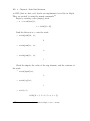
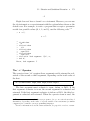
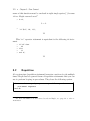
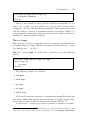
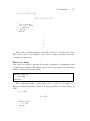
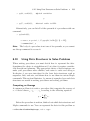
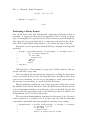
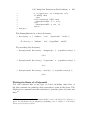
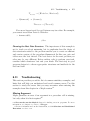
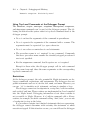
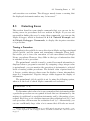
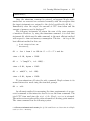
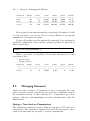
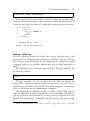
When a procedure definition is entered, Maple does not execute the procedure. However, Maple automatically simplifies the body of the procedure,
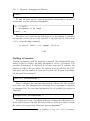
17
For more information about statements to perform numeric, symbolic, and graphical computations, refer to the Maple Advanced Programming Guide.