1
216
•
Chapter 6: Maple Procedures
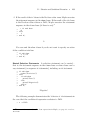
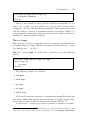
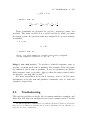
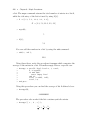
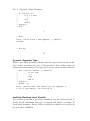
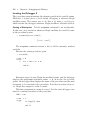
if possible. This simplification is identical to that which Maple performs
in interactive mode.
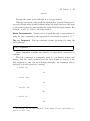
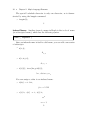
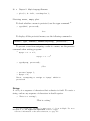
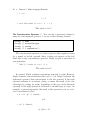
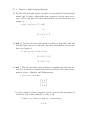
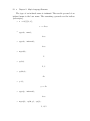
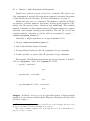
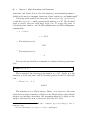
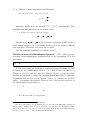
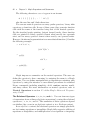
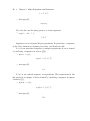
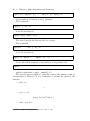
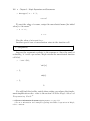
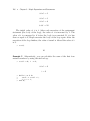
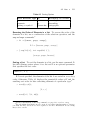
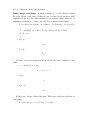
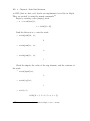
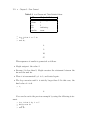
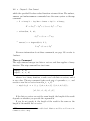
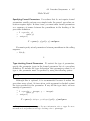
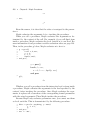
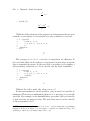
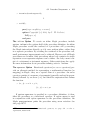
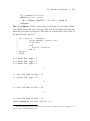
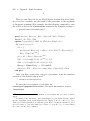
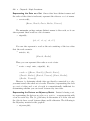
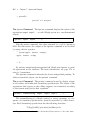
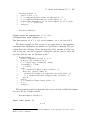
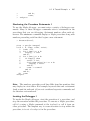
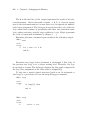
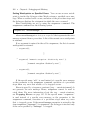
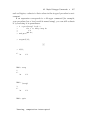
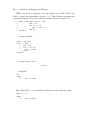
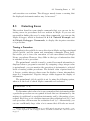
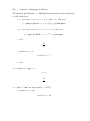
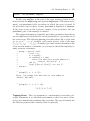
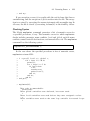
Consider the following procedure.
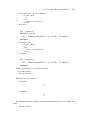
> f := proc(x)
>
local t;
>
t := x + 0*2;
>
if true then
>
sqrt(t)
>
else
>
t^2
>
end if;
> end proc;
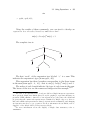
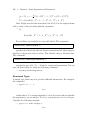
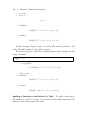
f := proc(x) local t; t := x ; sqrt(t) end proc
The multiplication by zero is omitted and the if statement simplifies
to sqrt(t).
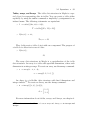
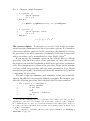
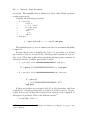
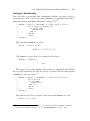
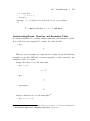
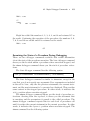
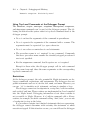
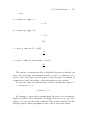
Because Maple tries to simplify the body of a procedure, you should
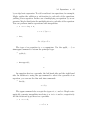
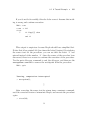
use caution if you try to hard-code a floating-point constant in a procedure body. (This also applies when specifying floating-point constants in
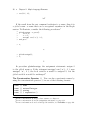
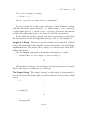
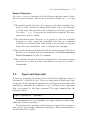
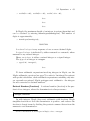
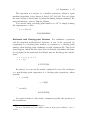
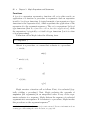
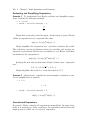
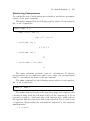
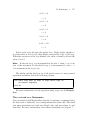
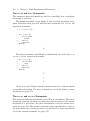
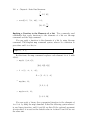
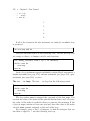
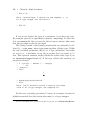
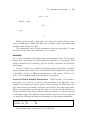
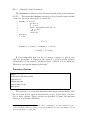
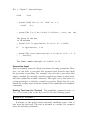
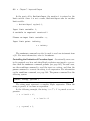
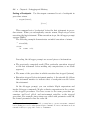
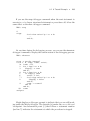
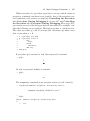
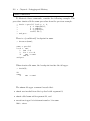
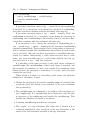
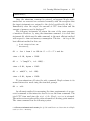
interactive mode.) Consider procedures F and G.
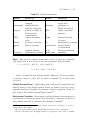
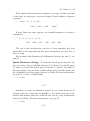
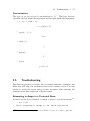
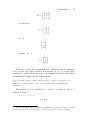
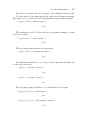
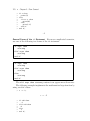
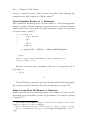
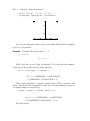
> F := proc(x) x*(1/100000000000000000001) end proc;
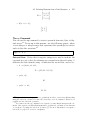
F := proc(x) 1/100000000000000000001 ∗ x end proc
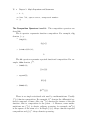
> G := proc(x) x*(1/100000000000000000001.0) end proc;
G := proc(x)
x ∗ 1/0.1000000000000000000010 ∗ 102 1
end proc
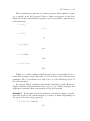
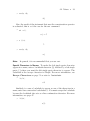
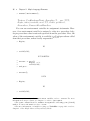
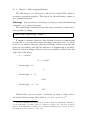
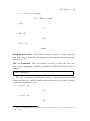
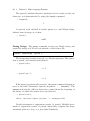
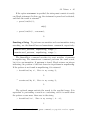
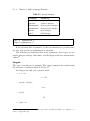
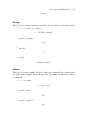
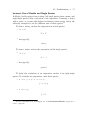
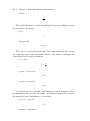
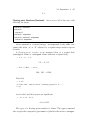
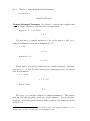
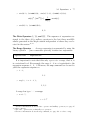
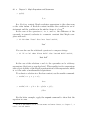
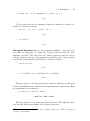
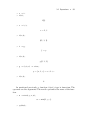
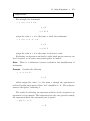
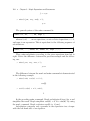
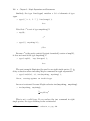
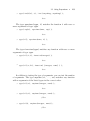
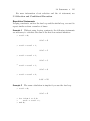
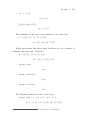
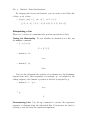
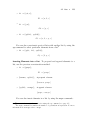
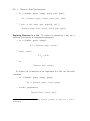
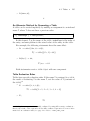
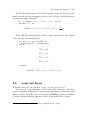
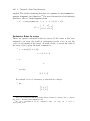
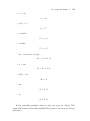
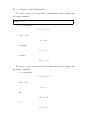
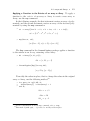
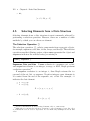
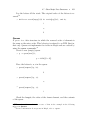
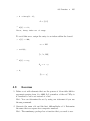
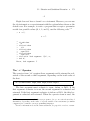
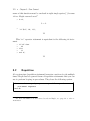
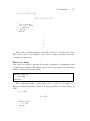
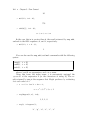
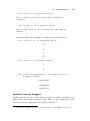
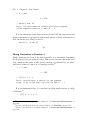
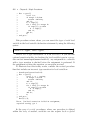
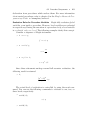
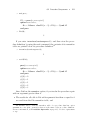
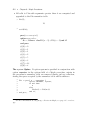
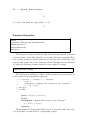
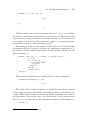
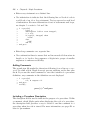
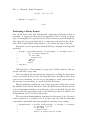
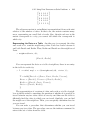
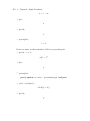
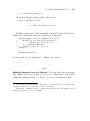
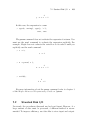
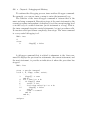
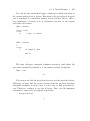
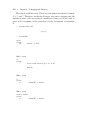
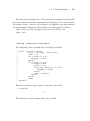
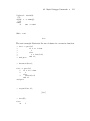
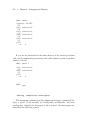
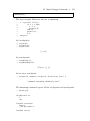
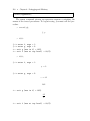
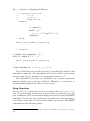
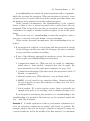
If these procedures are executed with Pi as the parameter and then
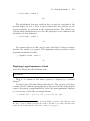
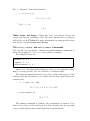
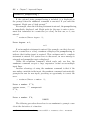
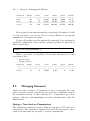
evaluated to a floating-point result, procedure F works correctly, but procedure G does not because the reciprocal has already been computed at
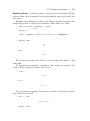
10 Digits of precision. Notice the different results.18
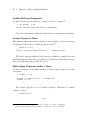
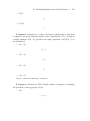
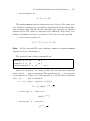
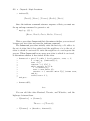
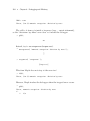
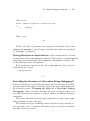
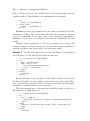
> evalf[200]( F(Pi) );
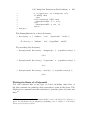
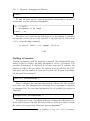
18
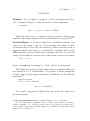
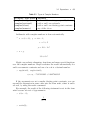
For more information about floating-point numbers and Digits, see page 65 and
refer to ?Digits.