1
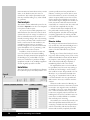
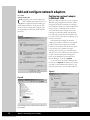
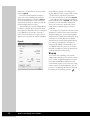
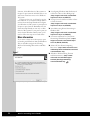
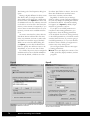
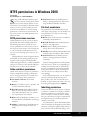
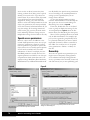
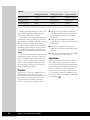
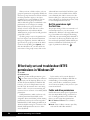
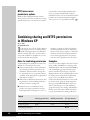
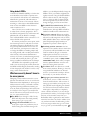
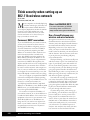
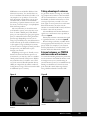
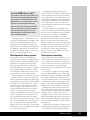
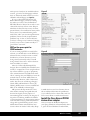
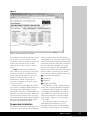
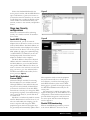
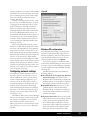
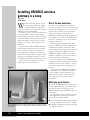
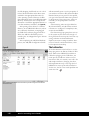
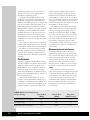
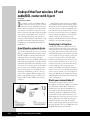
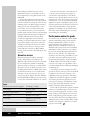
Notice that NetStumbler identifies the
access point, its maker, and the SSID. With this
type of information, a person can connect to
your wireless network. Therefore, it’s now time
to talk about how to reduce the likelihood that
others will discover information about your
network, connect to the network, and pull data
from it.
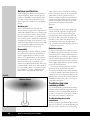
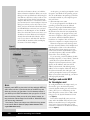
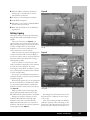
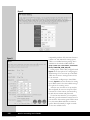
Figure C
Stage two: Security
configurations
There are several methods for enhancing
security on a wireless network. I’ll examine a
few of them.
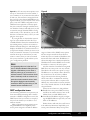
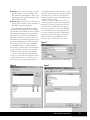
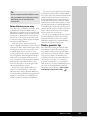
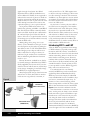
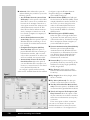
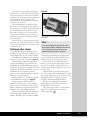
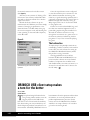
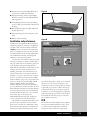
Enable MAC filtering
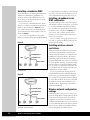
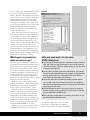
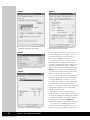
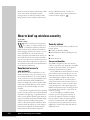
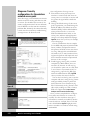
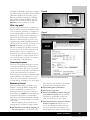
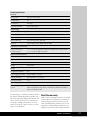
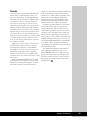
Figure D
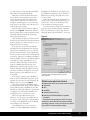
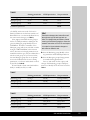
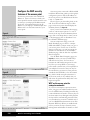
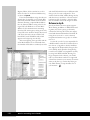
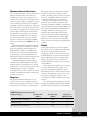
With this method, you list the network
adapters that are allowed to connect to the network by MAC address. The MAC address on a
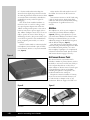
Linksys wireless network adapter is located on
the bottom of the device. You can also get the
MAC address by typing the command ipconfig
/all (WINDOWS NT/2000/XP) at the command prompt while the wireless network
adapter is installed on the computer.
The MAC address is listed as the Physical
Address with this command. Once you have
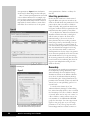
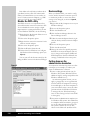
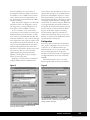
the MAC addresses, you can enable MAC filtering and list MAC addresses for clients you
want to connect to the network. To access this
page, you have to go to the Advanced tab in
the Web-based administration utility for the
access point (see Figure D).
Enable Wired Equivalent
Protocol (WEP)
This method keeps outsiders from viewing
data transmitted on your wireless network.
Although WEP has come under fire because
the protocol can be hacked, understand that
your network is still more secure with WEP
than without it. The key is to change the WEP
encryption key regularly. I recommend doing it
once a week, but many of you will feel this is
too much work.
My advice is to balance the need for security
with the administrative load. For those of you
who are comfortable with scripting, you can
create a script that will change the WEP
passphrase (upon which the encryption keys
are generated) and automatically update clients.
More expensive wireless network equipment
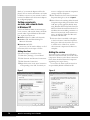
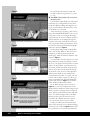
may have features built-in to do this. To set
these features, you will use the Setup page to
make WEP mandatory. Then use the WEP
Setting page to generate the encryption keys in
the Web-based administration utility for the
access point.
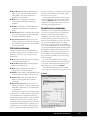
Set encryption for 128-bit encryption. The
higher the encryption, the more difficult it is to
compromise it. Some wireless network devices
provide 256-bit encryption as well, but both
the access point and client network adapters
need to support it.
Disable SSID broadcasting
Without the SSID being broadcast, your network is more difficult to locate. To set this
Wireless Security
123