1
164
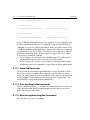
5.10. How to Implement a Custom Command
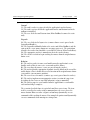
Commands
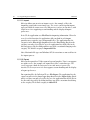
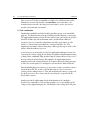
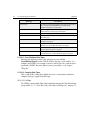
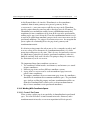
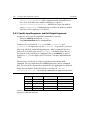
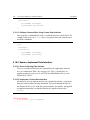
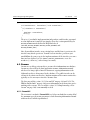
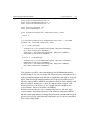
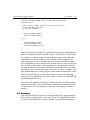
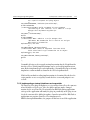
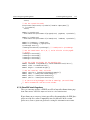
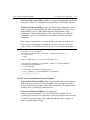
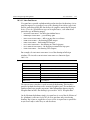
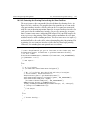
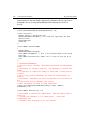
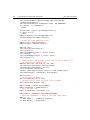
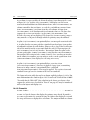
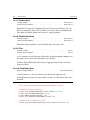
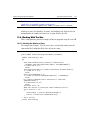
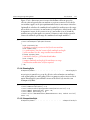
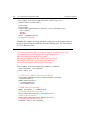
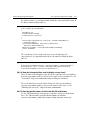
ErrorCode VerifyArguments();
};
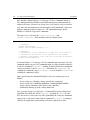
CREATE_PMINTERFACE(FooCmd, kFooCmdImpl)
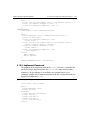
5.10.3.1. Command Constructor
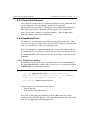
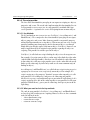
The constructor must call the constructor of the Command class. Also, if your
Command implementation contains any member variables that need to be
initialized, you can do that in this constructor.
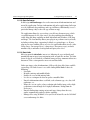
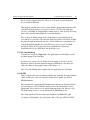
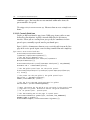
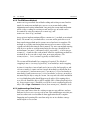
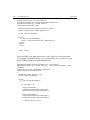
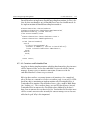
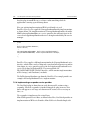
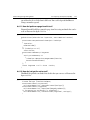
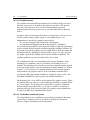
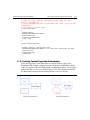
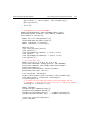
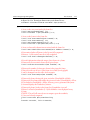
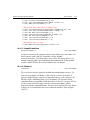
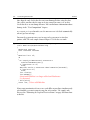
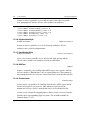
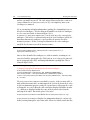
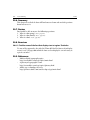
figure 5.10.3.1.a. FooCmd::FooCmd() Constructor
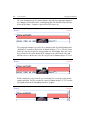
FooCmd::FooCmd(IPMUnknown *boss) : Command(boss)
{
}
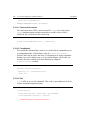
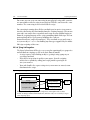
5.10.3.2. CreateName()
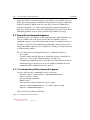
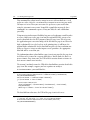
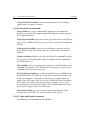
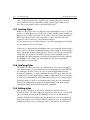
Every undoable command has a name is uses to identify the command to users.
A command provides a default name using the ICommand::CreateName()
method (Note that the name must have a translation in the string translation
database so it can be displayed to users in a localized form). Client code can
override this name with one of its own choosing by calling the
ICommand::SetName() method:
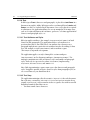
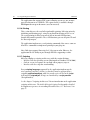
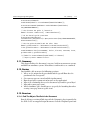
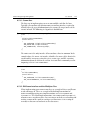
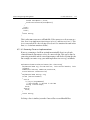
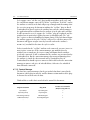
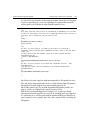
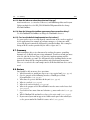
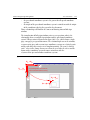
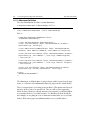
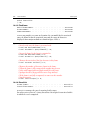
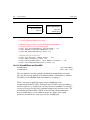
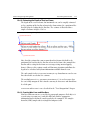
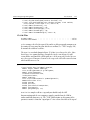
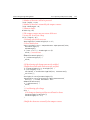
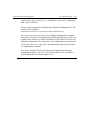
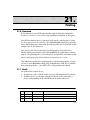
figure 5.10.3.2.a. FooCmd::CreateName()
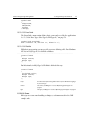
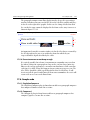
PMString* FooCmd::CreateName()
{
PMString *str = new PMString("Foo");
return str;
}
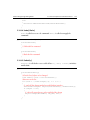
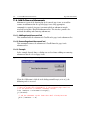
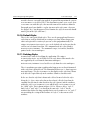
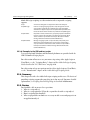
5.10.3.3. Do()
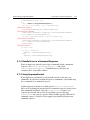
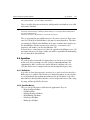
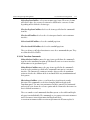
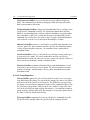
Do() is called to execute the command. This is where you would put the heart
of your command’s implementation:
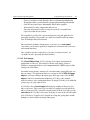
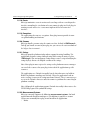
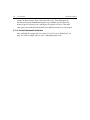
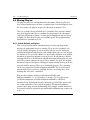
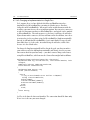
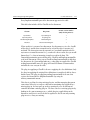
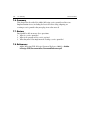
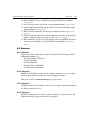
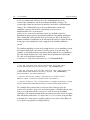
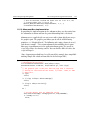
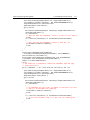
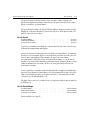
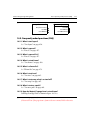
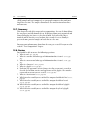
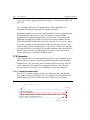
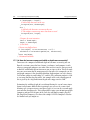
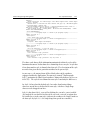
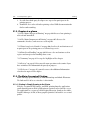
figure 5.10.3.3.a. FooCmd::Do()
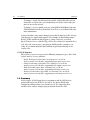
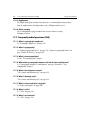
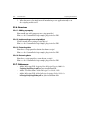
void FooCmd::Do()
{
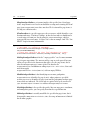
InterfacePtr<IFooData> fooData(this, IID_IFOODATA);
if(VerifyArguments(fooData) == kSuccess)
{
// Implement the Foo command action here...
}