1
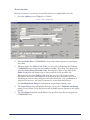
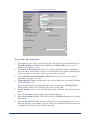
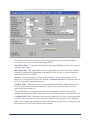
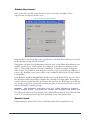
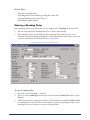
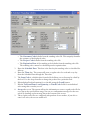
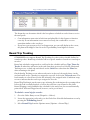
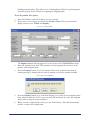
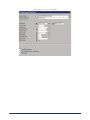
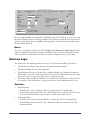
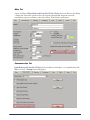
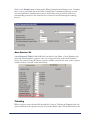
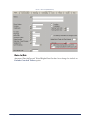
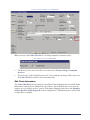
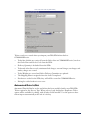
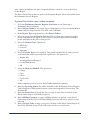
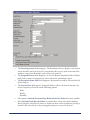
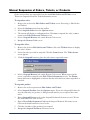
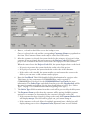
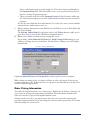
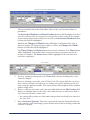
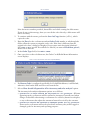
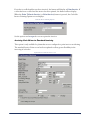
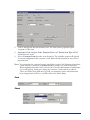
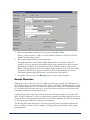
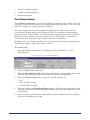
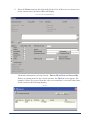
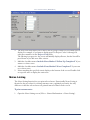
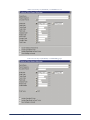
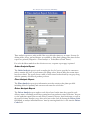
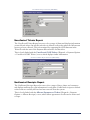
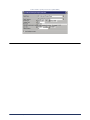
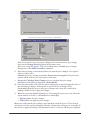
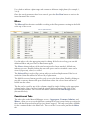
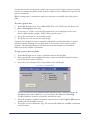
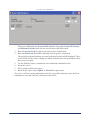
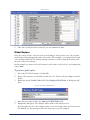
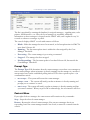
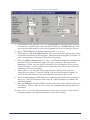
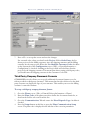
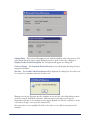
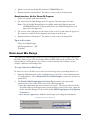
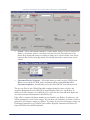
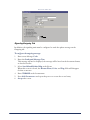
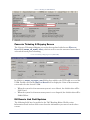
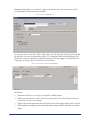
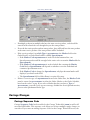
Order Haul Information (EDTORDR1)
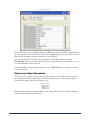
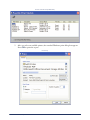
The existing information is defaulted from the customer or project files or from
manual entries made in Order Entry. Any changes made to this screen will not affect
those master files, but will instead affect only this order.
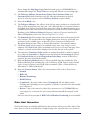
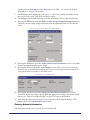
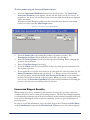
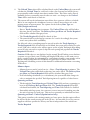
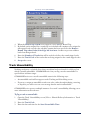
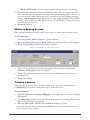
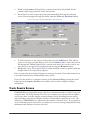
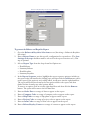
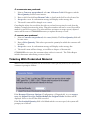
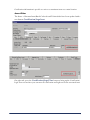
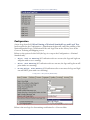
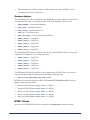
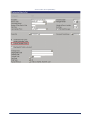
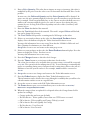
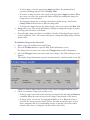
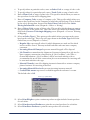
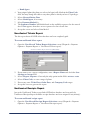
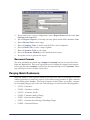
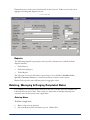
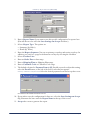
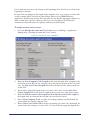
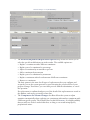
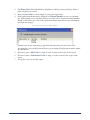
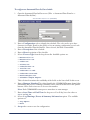
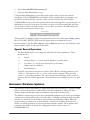
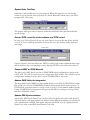
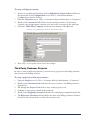
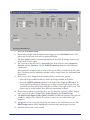
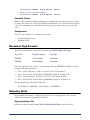
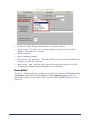
3. Enter a Cartage Charge Table, or detail on the field to select from a list.
4. If necessary, enter an Override Rate for the cartage charge.
5. Enter a Surcharge Code, or detail on the field to select from a list.
6. If necessary, enter an Override Rate for the surcharge.
7. If necessary, select Apply Surcharge to Hauler Pay.
8. If necessary, select Add Occurrence to add another surcharge.
9. Enter an Override Pay Table, or detail on the field to select from a list.
10. If necessary, enter an Override Rate for the pay table.
11. Accept the screen to save the settings and return to the Order Entry screen.
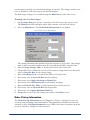
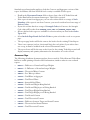
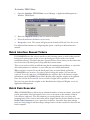
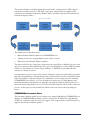
Editing Tickets
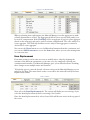
Once order-level information has been entered or modified, tickets can be edited. When
entering or editing tickets, it is important to remember that an item can only be added to a
ticket if it has already been added to the order.
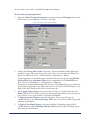
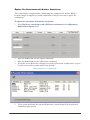
To edit concrete tickets:
1.
2.
3.
4.
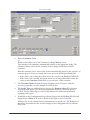
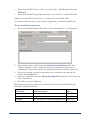
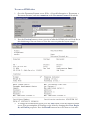
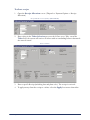
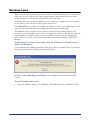
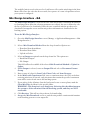
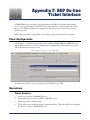
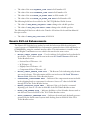
Open the Edit Orders and Tickets screen {Invoicing > Edit Orders & Tickets}.
Open the order containing the tickets to be edited.
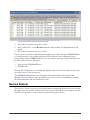
Edit order information on the main Edit Orders and Tickets screen as needed.
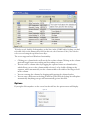
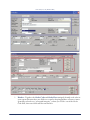
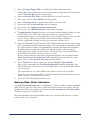
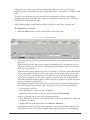
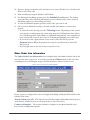
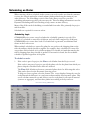
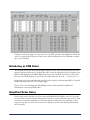
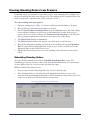
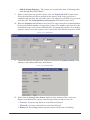
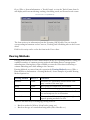
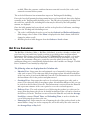
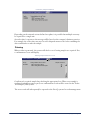
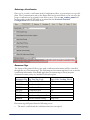
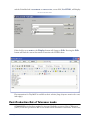
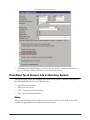
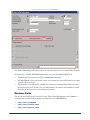
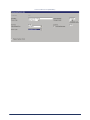
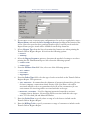
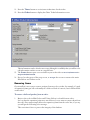
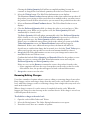
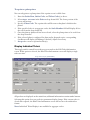
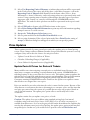
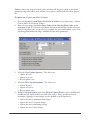
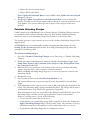
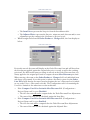
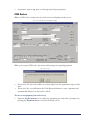
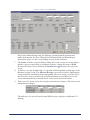
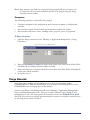
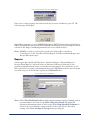
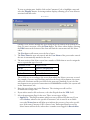
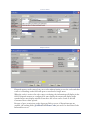
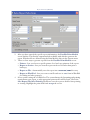
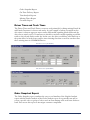
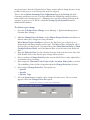
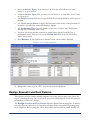
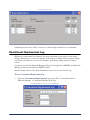
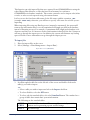
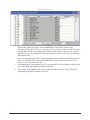
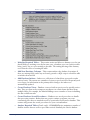
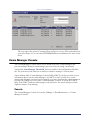
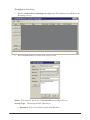
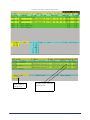
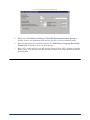
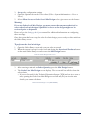
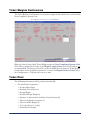
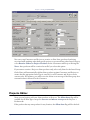
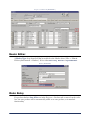
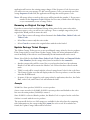
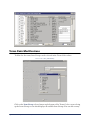
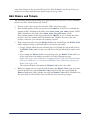
Press the Tickets button in the lower right of the screen. The Edit Ticket Information
screen displays.
Edit Orders and Tickets
213