1
3.2.9
Dok.Nr./No.:
CGS-RIBRE-MA-0010
Ausgabe/Issue:
5/-
Datum/Date:
2014-06-25
Seite/Page:
20
von/of:
31
Acknowledging Messages
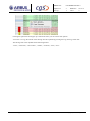
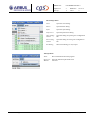
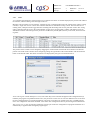
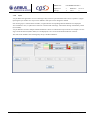
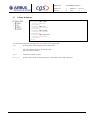
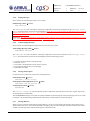
Messages may require acknowledgement by the user. Such messages have an acknowledgement status indicator in their
leftmost column: a red exclamation mark, if the message is to be acknowledged, a small checked box if it has already
been acknowledged:
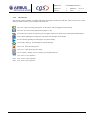
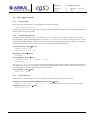
A message can be acknowledged by selecting the message and clicking on the acknowledge button in the tool bar. This
will send an acknowledgement message to the message server, which keeps track of all acknowledgements.
3.2.10
Searching in Messages
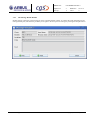
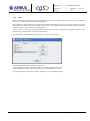
Messages can be searched for certain contents in their text fields
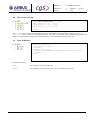
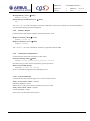
Clicking on the search button in the tool bar or selecting the Search
item from the Message menu will open the search dialog.
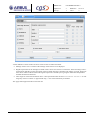
A regular expression can be applied to a selected set of text fields.
Clicking on the Search button starts the search. The number of occurrences is displayed, and the search arrows can be used to move backward and forward in the list of messages found, this selects the corresponding message in the list and highlights it.
3.2.11
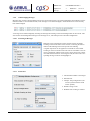
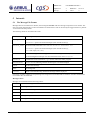
Preferences
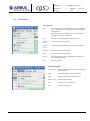
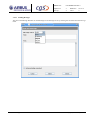
1. The maximum number of messages
2. Selected Font
3. “Simple” beep configuration (relevant for systems without sound
card or speaker)
4. Default sorting at start
5. Whether auto scrolling is enabled.
FORM 0019.1M.1
logger.rtf
Copyright by EADS - All Rights Reserved