1
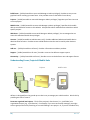
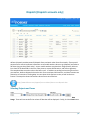
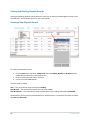
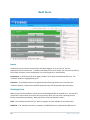
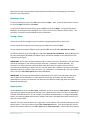
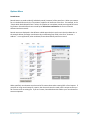
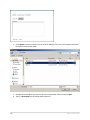
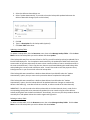
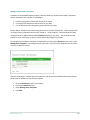
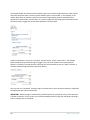
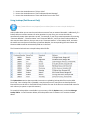
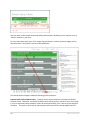
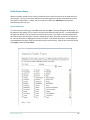
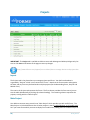
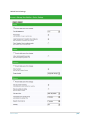
How to Use Action Buttons to "Play a Video" How to Use Action Buttons to "Send a Dispatch Status Message" How to Use Action Buttons to "Save and Send a Form in One-click" Using Lookups (Paid Account Only) http://www.doforms.com/support/how-to-videos/how-to-create-a-simple-lookup.htm Lookup tables allow you to search on and select an answer from an external data table. Additionally, if a lookup table row contains answers for other questions in your form, you can use the table to automatically answer these questions as well. For example, if your form contains questions for entering “Customer Number”, “Customer Name” and “Customer Address”, and if you have a lookup table that also contains these columns, then you can set up “Customer Number” as the Lookup Value, and when the mobile user searches on and selects a Customer Number, the corresponding Customer Name and Customer Address will be automatically filled out in the form. The illustration below shows a simple lookup table CSV file. The Option Menu section above provides instruction on uploading lookup table files into the Build Forms tab. Once a lookup file is uploaded, it may be used in one or more forms as described below. External files must be CSV or Excel 2003 format, and the first row of the file must contain field names for each column (no spaces or special characters). To see which lookup tables are available in your account, click the Options menu, and select Manage Lookup Tables. In the illustration below, the lookup table name “Customer List” contains the data above. Build Forms | 71