1
Spring Boot Reference Guide
Command-line completion
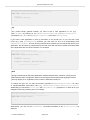
Spring Boot CLI ships with scripts that provide command completion for BASH and zsh shells. You can
source the script (also named spring) in any shell, or put it in your personal or system-wide bash
completion initialization. On a Debian system the system-wide scripts are in /shell-completion/
bash and all scripts in that directory are executed when a new shell starts. To run the script manually,
e.g. if you have installed using SDKMAN!
$ . ~/.sdkman/springboot/current/shell-completion/bash/spring
$ spring <HIT TAB HERE>
grab help jar run test version
Note
If you install Spring Boot CLI using Homebrew or MacPorts, the command-line completion scripts
are automatically registered with your shell.
Quick start Spring CLI example
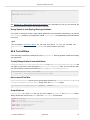
Here’s a really simple web application that you can use to test your installation. Create a file called
app.groovy:
@RestController
class ThisWillActuallyRun {
@RequestMapping("/")
String home() {
"Hello World!"
}
}
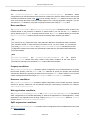
Then simply run it from a shell:
$ spring run app.groovy
Note
It will take some time when you first run the application as dependencies are downloaded.
Subsequent runs will be much quicker.
Open localhost:8080 in your favorite web browser and you should see the following output:
Hello World!
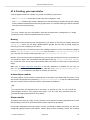
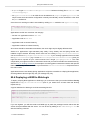
10.3 Upgrading from an earlier version of Spring Boot
If you are upgrading from an earlier release of Spring Boot check the “release notes” hosted on the
project wiki. You’ll find upgrade instructions along with a list of “new and noteworthy” features for each
release.
To upgrade an existing CLI installation use the appropriate package manager command (for example
brew upgrade) or, if you manually installed the CLI, follow the standard instructions remembering to
update your PATH environment variable to remove any older references.
1.3.1.BUILD-SNAPSHOT
Spring Boot
16