1
3 INSTALLATION AND UNINSTALLATION
MELSOFT
(From the previous page)
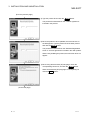
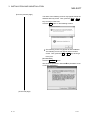
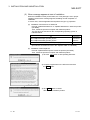
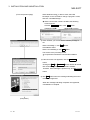
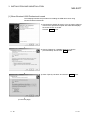
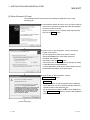
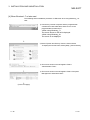
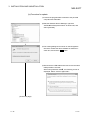
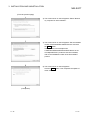
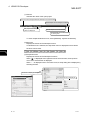
7) The screen shown on the left appears. Set installed
location of GX Developer, "Easysocket\USBDrivers.
Then, click the Next> button.
The left screen is an example when
C:\MELSEC\Easysocket\USBDrivers is set.
If multiple MELSOFT products have been installed,
refer to the installation location of the first installed
product.
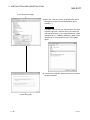
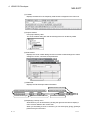
<Windows Vista >
R
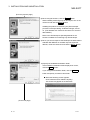
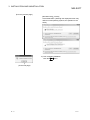
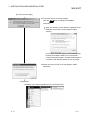
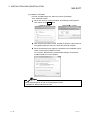
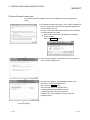
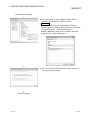
8) The left Windows confirmation dialog box appears.
Click "Install this driver software anyway" or
the Install button.
<Windows 7 or later>
R
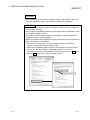
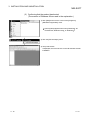
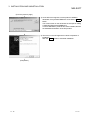
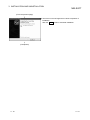
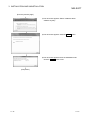
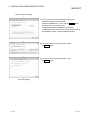
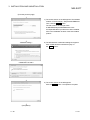
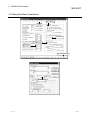
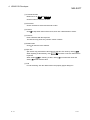
9) The screen shown on the left appears.
Click the Close button. The update is complete.
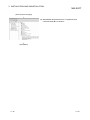
(Completion)
3 - 29
3 - 29