1
4 USING GX Developer
MELSOFT
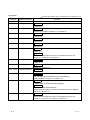
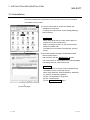
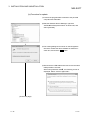
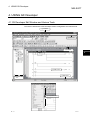
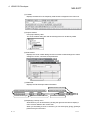
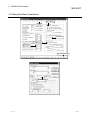
(4) Toolbar
Displays the buttons for the frequently used functions assigned on the menu bar.
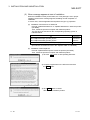
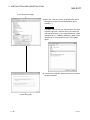
(5) Project data list
Lists project data by class.
The circuit creation dialog box and other dialog boxes can be directly called.
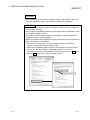
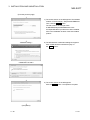
(6) Edit window
Displays the circuit creation dialog box and comment creation dialog box to make
settings for circuits, comments, and parameters.
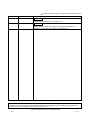
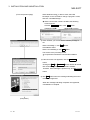
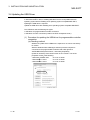
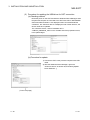
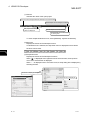
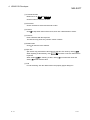
(7) Status bar
Displays the GX Developer status information.
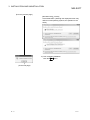
Indicates the Num Lock status.
Displays information concerning the mouse cursor position.
Indicates the CPU type.
Indicates the destination CPU.
Indicates the Caps Lock status.
Indicates the current mode.
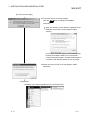
(8) Displaying a handy menu
Work efficiency can be increased by clicking the right mouse button to display a
menu of items related to the current work.
When you are editing a circuit or comment, you can select [Cut], [Copy], [Paste] or
[Find Device] from this menu.
4-3
4-3