1
3 INSTALLATION AND UNINSTALLATION
MELSOFT
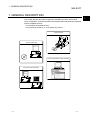
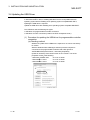
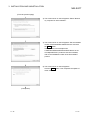
(2) Procedure for updating the USB driver for GOT connection
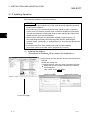
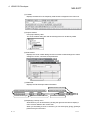
(a) Checking method
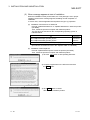
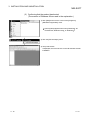
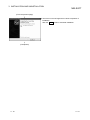
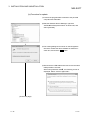
Reset the power on the GOT and start the Windows Device Manager while
the personal computer is connected to the GOT with USB. If "MITSUBISHI
GOT1000 USB Controller" is not displayed under "Universal Serial Bus
controllers", but "Unknown device" is displayed under "Other devices", the
device needs to be updated.
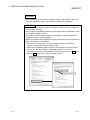
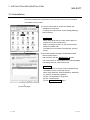
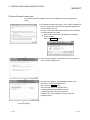
The "Unknown device", whose "Hardware Ids" is
"USB\VID_06D3&PID_01E0" on the "Details" tab of the properties screen,
is the update target.
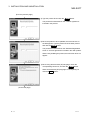
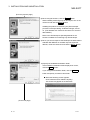
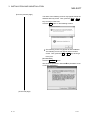
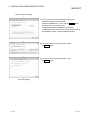
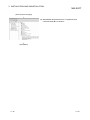
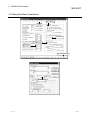
(b) Procedure for update
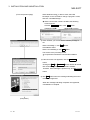
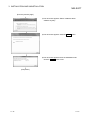
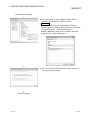
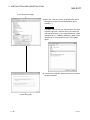
1) Connect the GOT to the personal computer with USB
cable.
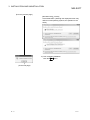
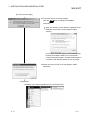
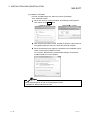
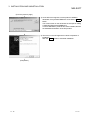
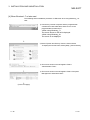
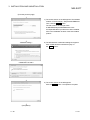
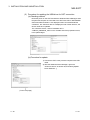
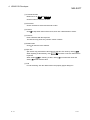
2) Start the Windows Device Manager, right-click
"Unknown device" as shown left, and select [Update
Driver Software…].
(To the next page)
3 - 30
3 - 30