1
MICROS e7 Installation
Downloading the MICROS e7 Product
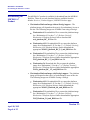
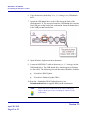
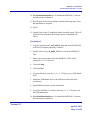
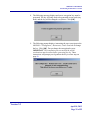
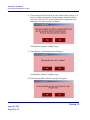
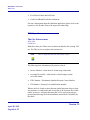
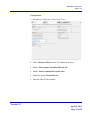
8. The following message displays and a new encryption key must be
generated. The key will only need to be generated on one node (any
node) and the key will be changed everywhere. Click [OK].
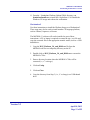
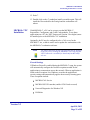
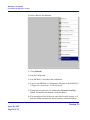
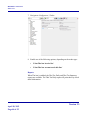
9. The following prompt displays, instructing the user to navigate to the
MICROS e7 Configurator | Restaurant | Credit Cards tab to change
the key. Click [OK]. Do not change the encryption key now.
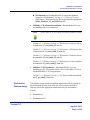
IMPORTANT: The installation process must finish and all
workstations must be online before generating the key. These
instructions will prompt you to generate the key in a later step on
page 30.
Version 3.3
April 18, 2013
Page 29 of 55