1
MICROS e7 Version 3.3
What’s New
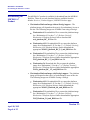
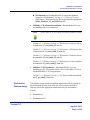
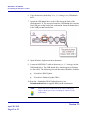
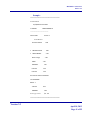
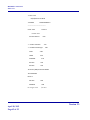
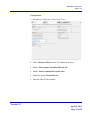
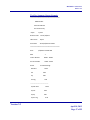
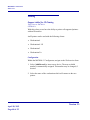
3. On the Devices tab, configure the following fields.
•
Name: Enter the name of the device role. For example, ‘HOT’.
•
Friendly Name: Enter the commonly used name of this device
role.
•
Device type: Select ‘Printer’.
•
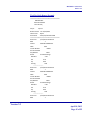
Device Settings: Enter the appropriate device settings.
•
Line feeds - .
•
Num columns - .
•
Printer model - Select the model of printer.
•
IP Address - Enter the IP Address of the printer.
•
Port Number - The default is ‘9100’. Leave this value as is.
Version 3.3
April 18, 2013
Page 49 of 55