1
CSDO
Setup
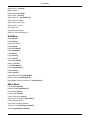
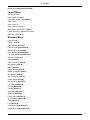
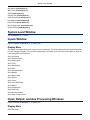
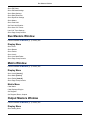
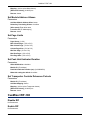
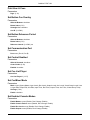
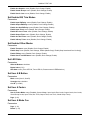
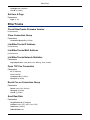
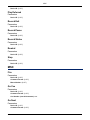
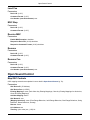
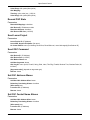
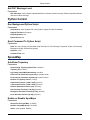
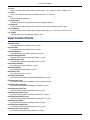
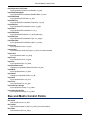
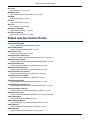
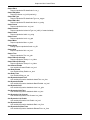
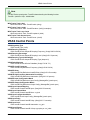
Commands
71
72
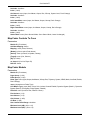
The CueStation installation directory contains a separate program called csdo. Csdo is a command line tool for
controlling a Matrix3 server, without using CueStation.
Setup
To use csdo, you will need to use a command line-capable program on your computer. The following instructions
cover the default command line programs that are included with each operating system, but feel free to use a different
one.
Mac OS X
1. Open the Terminal application. By default, it is located in Applications/Utilities. When you open the program,
you will see something like the following:
Last login: Mon Jul 30 17:12:02 on ttyp2
Welcome to Darwin!
computer-name:~ user-name$
2. Using the command line, navigate to the directory where CueStation (and csdo) is installed. For instance, if
CueStation is installed in your Applications folder, you might type something like:
computer-name:~ user-name$ cd /Applications/CueStation-4.6.0/
and then type the Return key. You will then see the command line prompt change to the following:
computer-name:/Applications/CueStation-4.6.0 user-name$
3. Enter the command you would like to use, starting with "./csdo" and the server's IP address. For instance, if
you wanted to recall cue 3 on a server located at 192.168.0.101, you would enter the following:
computer-name:/Applications/CueStation-4.6.0 user-name$ ./csdo 192.168.0.101 recall cue 3
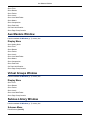
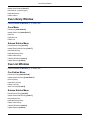
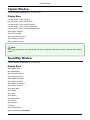
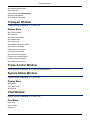
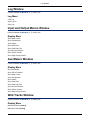
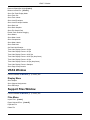
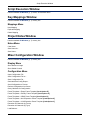
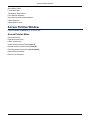
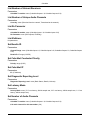
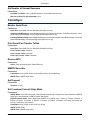
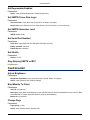
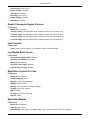
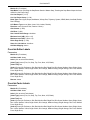
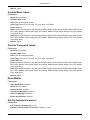
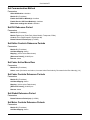
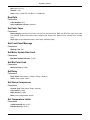
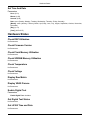
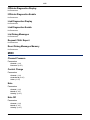
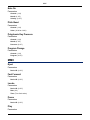
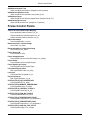
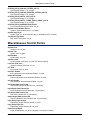
See the next section, Commands (p. 72), for a list of all possible commands. Or, just enter "./csdo" and type the
Return key.
Windows XP
1. Open the MS-DOS Prompt. Click on the Start menu, then select Run... Enter "cmd" into the text box, and click
OK. You will see a window with the following text:
Microsoft Windows XP [Version 5.1.2600]
(C) Copyright 1985-2001 Microsoft Corp.
C:\Documents and Settings\Administrator>
2. Using the command line, navigate to the directory where CueStation (and csdo) is installed. For instance, if
CueStation is installed in the Program Files folder, you might type something like:
C:\Documents and Settings\Administrator> cd "\Program Files\CueStation-4.6.0"
71