1
Quantum Evolution installation and user manual
Downloading of video from Quantum Hard drive to PC
e
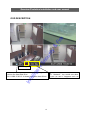
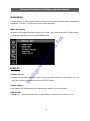
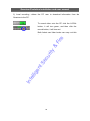
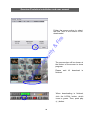
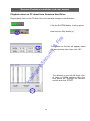
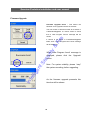
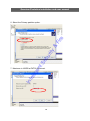
This button is used to start the download process from Quantum to PC
tS
ec
ur
ity
&
Fir
Click the Download button
llig
en
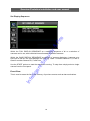
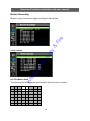
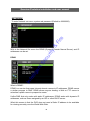
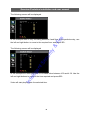
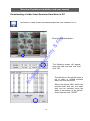
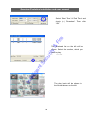
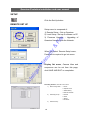
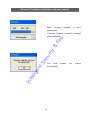
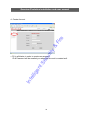
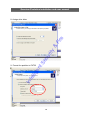
The following screen will appear,
enter the start and end time then
click “OK”
Int
e
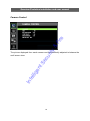
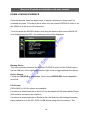
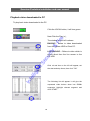
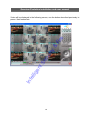
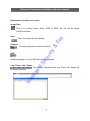
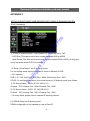
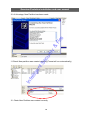
The Window on the left will show a
list of video in 500Mb sections
within the time period set.
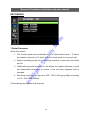
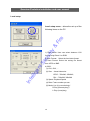
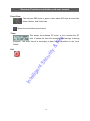
Select the period within which the
required start time sits, the exact
time can be selected using the
slider at the bottom of the screen.
Once selected click “START”
57