1
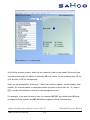
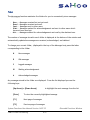
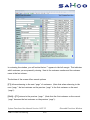
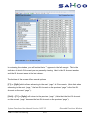
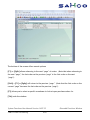
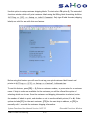
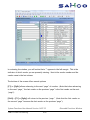
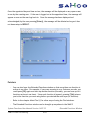
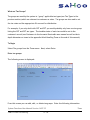
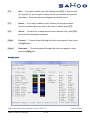
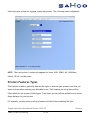
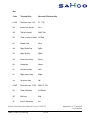
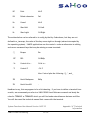
[F3] allows you to input all or any part of a GL Account name to search upon. The system
will display a “page” starting at the first GL Account name close to your partial or full entry.
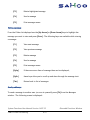
Pressing [Enter] at the search field will switch the search method from GL Account name to
GL Account number (again, a full or partial entry is allowed).
I. Find Items
This function is only available if you are using SAMCO Inventory Management module and
have initialized the IC data files for the active company.
Use this option to look up item information from the current company's inventory item file.
No matter where you are in the SAMCO system, you can look up information about any item.
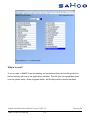
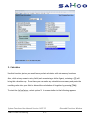
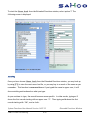
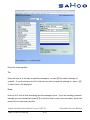
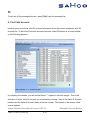
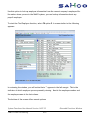
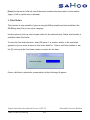
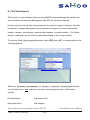
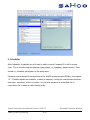
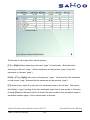
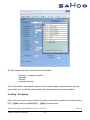
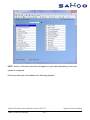
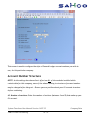
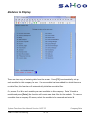
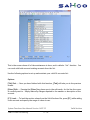
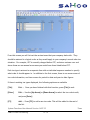
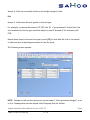
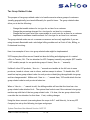
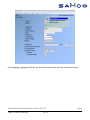
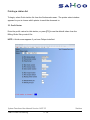
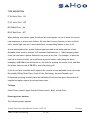
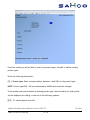
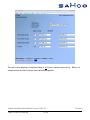
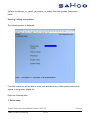
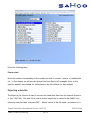
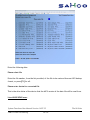
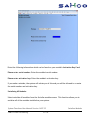
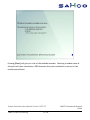
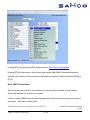
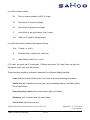
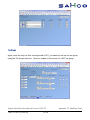
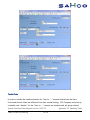
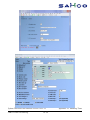
To start the Find Items function, select F8 option I. A screen similar to the following
appears:
System Functions User Manual Version 14.07.35
SAMCO Power Accounting
6.65
Extended Functions Window