1
Section 3 - Configuration
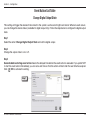
Go to Preset Point
Turn to the preset location upon the motion triggering.
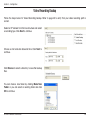
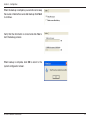
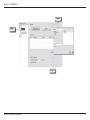
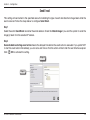
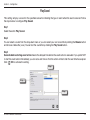
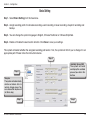
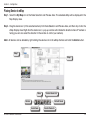
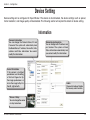
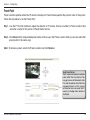
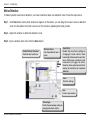
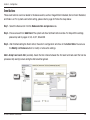
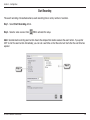
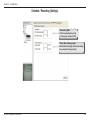
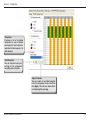
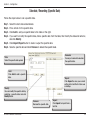
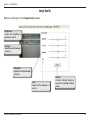
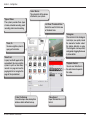
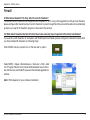
Step 1 - Select Go to Preset Point action.
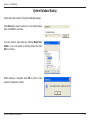
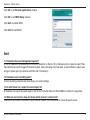
Step 2 - Select from the Preset Point field. When event is detected, the system will turn PT camera to the specified
preset location. Then, click
/OK to activate this setup.
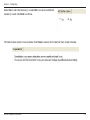
Note: Seconds before starting event action means the delayed time before execute the event action. If you prefer NOT to
start the event action immediately, you can set a wait time so that the action will start after the wait time has expired.
Step 2
Step 1
D-Link D-ViewCam User Manual
59