1
NAVIGATION
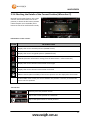
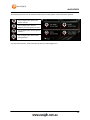
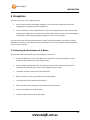
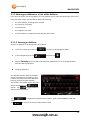
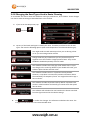
3.1.7 Building a Route from the List of Destinations (Create Route)
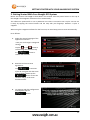
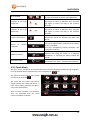
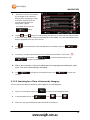
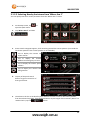
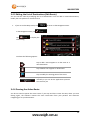
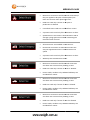
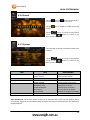
You can also build your route destination by destination from the My Route menu.
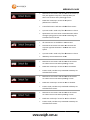
1.
If you are on the Map screen, tap
2.
In the Navigation menu, tap
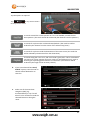
3.
Tap
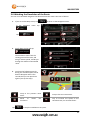
4.
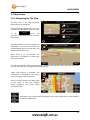
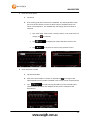
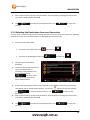
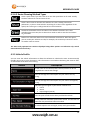
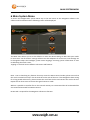
There is only one line in the list of
route points, the start point of the
route, normally the current GPS
position.
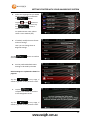
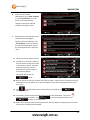
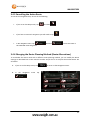
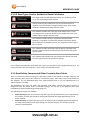
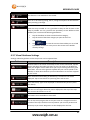
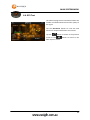
5.
Tap
6.
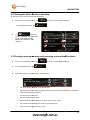
Destination menu appears and you
can select the destination of the
route the same way as described in
the previous sections.
7.
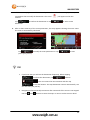
When the new destination is
selected, the list returns.
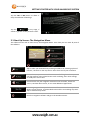
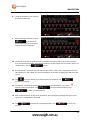
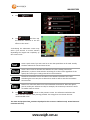
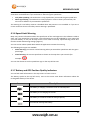
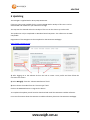
8.
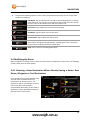
To add more destinations, tap
to return to the Navigation menu.
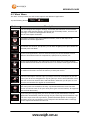
.
.
to select the destination.
where you want to insert the
new route point in the list, and
repeat the above procedure.
51