1
MAIN SYSTEM MENU
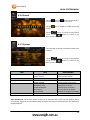
6.1 GPS
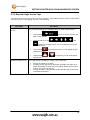
The GPS icon launches the Please refer to the front section of this manual.
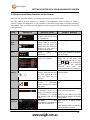
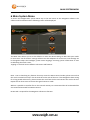
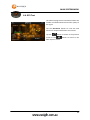
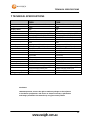
6.2 SYSTEM
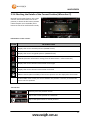
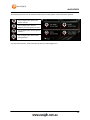
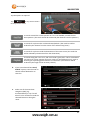
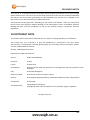
Item
Title
Description
A
Home Button
Tap on any screen to return to the Main System Screen
B
Language
Enters the system language settings
C
Backlight
Enters the system backlight settings
D
Page title bar
Shows title of current menu
E
Power
Enters the system power settings
F
Sound
Enter the system sound settings
G
Back Button
Tap on any page to go back one screen.
H
Time
Enters the system time and region settings
I
System
Enters the System Information page
J
CO.adjust
Tap to recalibrate the Navig8r touch screen
90