1
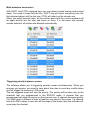
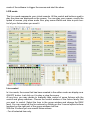
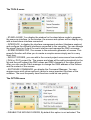
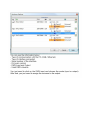
- Midi channels and Midi note with this format: [Channel # Note].
- MIDI CONTROL.
- Midi channel, ID control, Value control [Channel . ID . Value].
- Midi channel and ID control [Channel, ID].
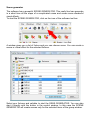
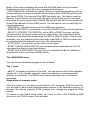
For the effect buttons, you can assign the MIDI value in the EDITION window of
each effect. The midi formats will be the same of the scenes ones.
DTSRemoteControl.dll, trigger from software
We give some files and code and allow any software or application to
communicate and command our DMX control software. A DLL file offer the list of
scene and the list of effects and allow to send several commands of triggering to
the control software.
You can contact the software editors to know the compatibility with our DMX
software. With the DLL file it is possible to communicate with any type of software
(Audio, Mix, video, multimedia, etc…).
DMX IN and MIDI control
With the MIDI and DMX IN functions activated in the software, with a MIDI input or
a midi keyboard/console, with an interface that has the DMX IN option and a DMX
console, you can assign some triggering and command of the software to your
console.
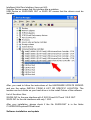
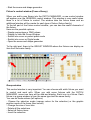
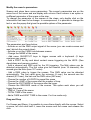
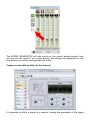
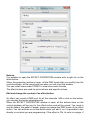
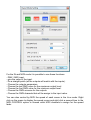
In the control windows, each fader has a ON/AUTO button below the cursor. Right
click on it to display the different modes: ON/AUTO, LTP, HTP, IN, MIDI. The IN
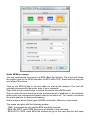
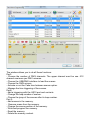
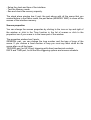
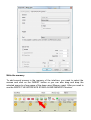
and MIDI mode will display this window: