1
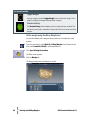
For Your Information
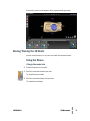
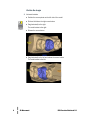
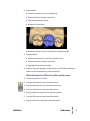
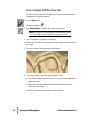
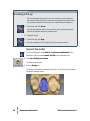
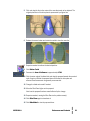
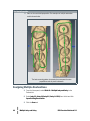
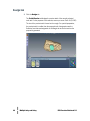
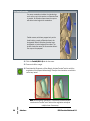
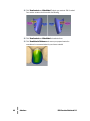
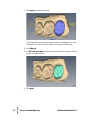
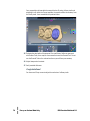
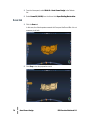
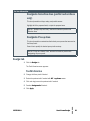
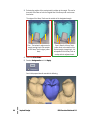
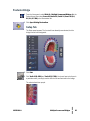
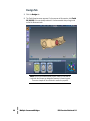
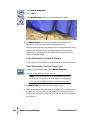
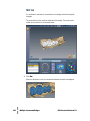
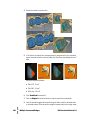
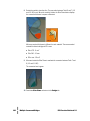
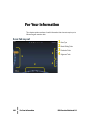
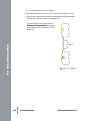
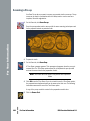
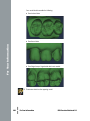
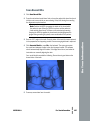
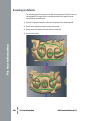
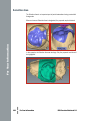
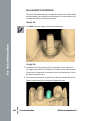
On cases with multiple proposals, click the desired tooth number tab to specify
which tooth is being designed.
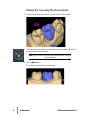
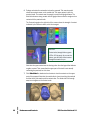
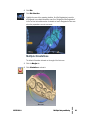
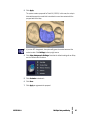
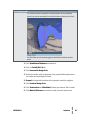
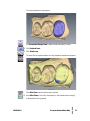
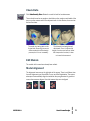
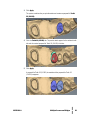
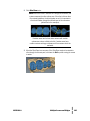
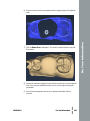
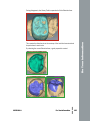
The ALL tab enables certain design tools to manipulate every proposal at the
same time or activates all proposals at the same time to enable individual
manipulation without switching tooth tabs.
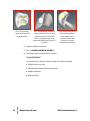
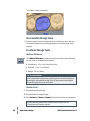
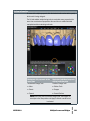
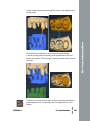
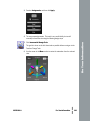
Manipulate ALL proposals at the
same time
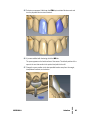
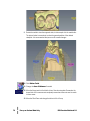
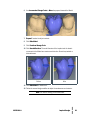
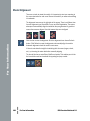
Incremental Change Tools
●● Move
Manipulate individual proposals
without switching tabs
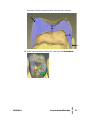
Freeform Change Tools
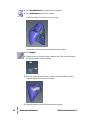
●● Rubber Tooth
●● Rotate
●● Dropper
●● Expand
●● Smooth Surface
11521000.A
Multiple Inlay and Onlay
●●●●●●
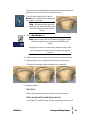
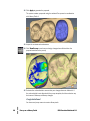
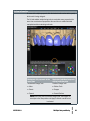
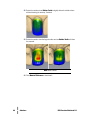
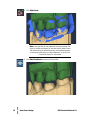
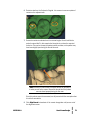
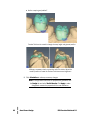
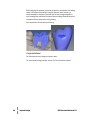
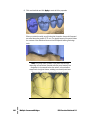
Note: When using the Incremental Change tools, the margins do
not adjust to the new position until Apply is clicked or another tool
is selected.
49