1
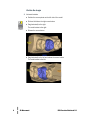
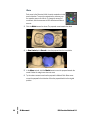
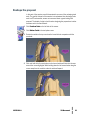
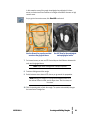
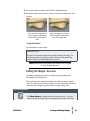
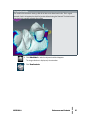
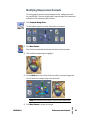
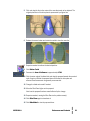
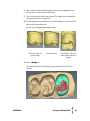
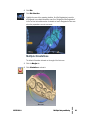
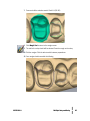
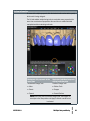
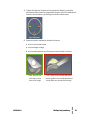
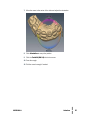
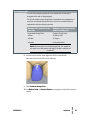
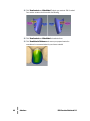
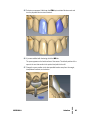
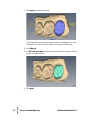
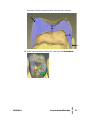
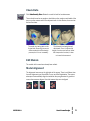
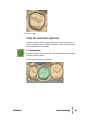
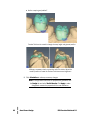
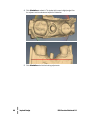
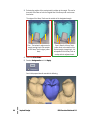
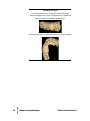
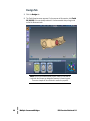
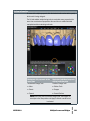
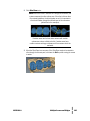
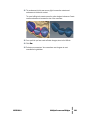
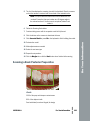
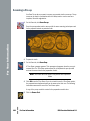
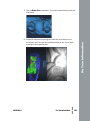
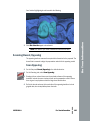
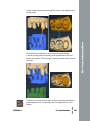
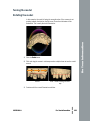
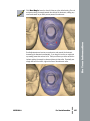
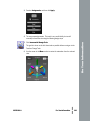
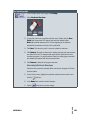
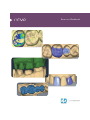
6 Enlarge and rotate the restoration to view the proposal. This exercise model
shows two contacts areas on the mesial side. The upper contact is with the
proximal tooth. The contact near the margin is contact with gingival tissue. The
distal side shows a strong contact with the gingival tissue near the margin and no
contact with the proximal tooth.
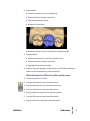
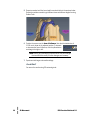
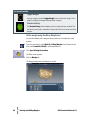
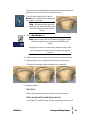
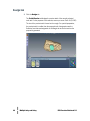
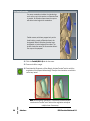
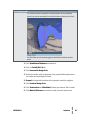
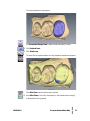
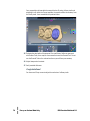
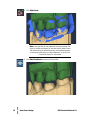
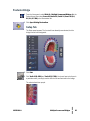
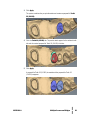
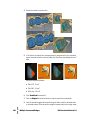
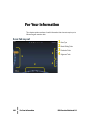
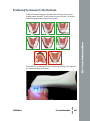
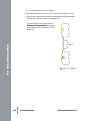
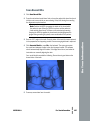
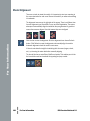
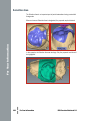
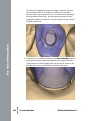
The Contacts legend on the right side of the screen shows the strength of contact
indicated by the different colors; red is the strongest.
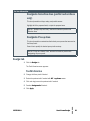
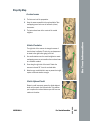
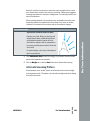
Your Goal
Contact color/strength blue or green
(+35 to +50 microns). As you use the
system, you will find the best contact
strength that works for you.
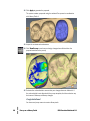
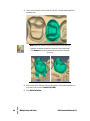
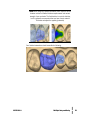
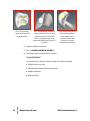
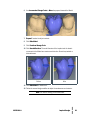
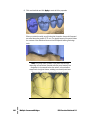
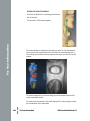
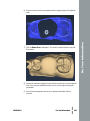
Note that the upper contact area is showing colors from the legend that indicate
negative contact. That means that the upper part of the tooth is not actually
contacting the proximal, but it is close.
28
●●●●●●
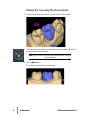
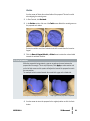
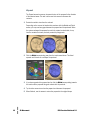
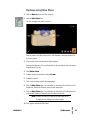
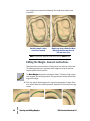
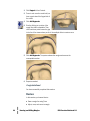
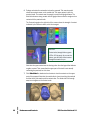
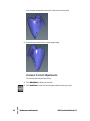
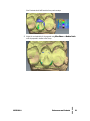
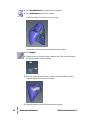
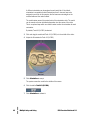
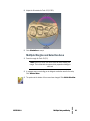
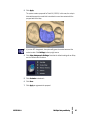
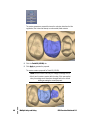
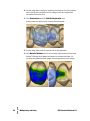
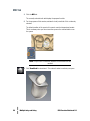
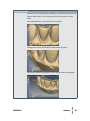
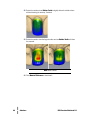
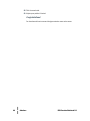
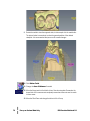
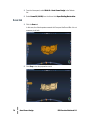
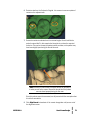
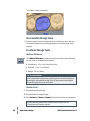
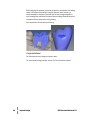
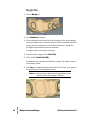
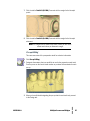
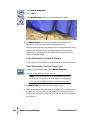
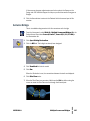
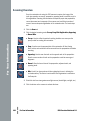
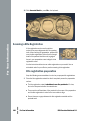
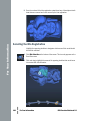
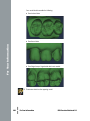
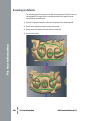
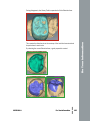
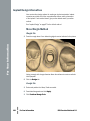
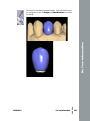
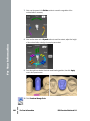
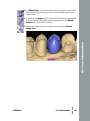
7 Click Hide Model to deactivate it and rotate to view the contacts on the upper
part of the proposal. Note that the mesial side is close to touching the proximal
and that is why it showed up with a contact color. The distal side is far enough
away to not register on the contact scale.
Embrasures and Contacts
E4D Exercise Workbook 5.0