1
FINAL DRAFT
337 - Tagger
Export to XML
This command saves the Tagger file in a form that some breakdown programs, utilities and
database programs can use.
Exit (Windows), Quit (Mac OS)
Closes Tagger file and quits Final Draft Tagger.
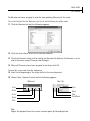
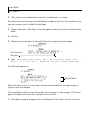
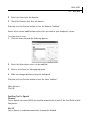
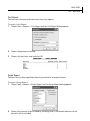
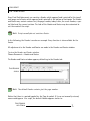
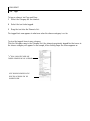
1 Choose File > Exit (Windows) or Final Draft 7 > Quit Final Draft 7 (Mac OS X).
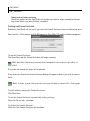
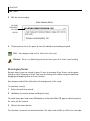
A Tagger file which contains unsaved changes displays the Save Changes message.
2 Click Save to save changes.
Print Menu
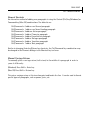
Scene Report
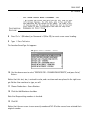
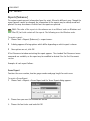
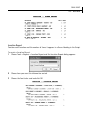
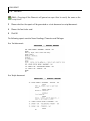
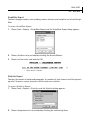
Choose this command to print a report detailing all the tagged elements scene by scene.
Element Report
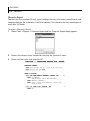
Choose this command to print a report indicating in which scene each tagged element appears,
element by element.
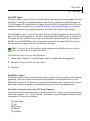
About Final Draft Tagger
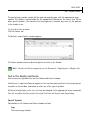
NOTE: (Mac OS) This command appears in the Final Draft Tagger Menu
NOTE
(Windows) This command appears in the Print Menu.
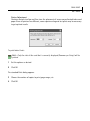
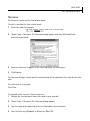
View information about the version installed on your computer.
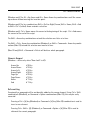
Preferences
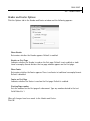
NOTE: (Mac OS) This command appears in the Final Draft Tagger Menu.
NOTE
(Windows) This command appears in the File Menu.